Parental Controls Are a Firmware Spec, Not an App — Kids Tablet OEM Sourcing Guide 2026
Parental controls on a kids tablet are a firmware specification, not a downloadable app. When controls live only in an app, a child can disable them, a parent can uninstall them, and a factory reset removes them entirely. Durable controls are provisioned at the OS layer: the device is enrolled as Device Owner through a Device Policy Controller, the launcher is whitelisted and pinned with Lock Task Mode, screen-time limits run through OS APIs the user cannot override, and the OTA channel stays vendor-controlled. Buyers should audit these four layers before placing a production order.
Why app-level parental controls fail procurement
Most consumer kids tablets ship with a third-party control app bolted onto a stock Android build. The platform already provides the enforcement primitives — dedicated-device / Device Owner provisioning and Lock Task Mode — so an app-only build is a deliberate shortcut, not a platform limitation. It demos well on a sample and fails in the field for three predictable reasons:
- Bypassable. A child who can reach Settings → Apps can uninstall or force-stop the control app. No firmware lock means no enforcement.
- Reset-fragile. Factory recovery wipes the app and its profile. The “protected” device returns to an open tablet — a warranty and reputation problem for your brand, not the app vendor’s.
- Unverifiable at scale. You cannot certify 50,000 units on the promise of an app you do not control. Procurement needs a spec the factory can be held to, with a testable pass/fail.
This is why the sourcing question is not “which parental control app do you install?” but “which firmware controls do you commit to, and how do I verify them?”
The four firmware layers that actually enforce control
Android already provides the enforcement primitives. The ODM’s job is to provision and lock them; your job is to specify them precisely. Treat this table as the line items to put in your RFQ.
| Layer | Android mechanism | What to require from the ODM | Risk if missing |
|---|---|---|---|
| 1. Ownership & enrollment | Device Owner / Device Policy Controller (DPC) | Device provisioned as Device Owner out of the box; DPC cannot be deactivated by the user | Controls behave as an ordinary app — removable in seconds |
| 2. Home screen lock | Dedicated device + Lock Task Mode; whitelisted launcher | Custom kids launcher set as default home, Lock Task pinned, only approved apps visible | Child exits to full Android and reaches the browser or store |
| 3. Usage limits | App usage / screen-time APIs, per-app time budgets, bedtime schedules | Limits enforced at OS level with a PIN the child cannot reset; survives reboot | Time limits vanish on restart or are trivially disabled |
| 4. Update & recovery control | OTA management, recovery/factory-reset policy | Control profile re-provisions automatically after reset; OTA channel controlled by you, not the end user | “Protected” units revert to open tablets after a wipe |
Reading the table: layers 1 and 2 are the ones most often skipped by low-cost factories, because provisioning Device Owner and building a locked launcher cost engineering time that a stock build does not. If a supplier cannot name their Device Owner provisioning method in writing, assume layer 1 is absent.
Scenario fit: which architecture for which buyer
The right depth of firmware control depends on who you are, what your compliance exposure is, and who manages the fleet after shipment. Three buyer profiles, three different answers:
- Retail / house brand (EU & US): you carry the compliance liability. You need layers 1–4 plus a documented data-handling story, because regulators and app-store policies look at how child data is collected and what the default settings expose, not just at the hardware.
- School / education tender: you need layers 1, 2 and 4 most — a locked, single-purpose learning device that a class of 30 cannot reconfigure, that re-provisions itself between cohorts, and that an IT admin can rebuild across the whole fleet over the OTA channel instead of touching each unit by hand.
- Telecom / carrier bundle (SEA & MENA): cost and lead time dominate. A custom locked launcher (layer 2) plus a re-provisioning policy (layer 4) usually delivers the buyer’s promise without the per-device licensing of a full commercial DPC.
For channel and market-tier context on where these buyers sit, see our kids tablet market growth analysis and our 2026 back-to-school parental controls and screen-time sourcing guide.
Third-party app vs MDM vs custom locked launcher
Three architectures are commonly quoted. They are not interchangeable, and the cheapest line item is often the most expensive outcome.
| Approach | How control is enforced | Bypass resistance | Best fit | Main trade-off |
|---|---|---|---|---|
| Third-party control app | App-level permissions, overlay | Low — removable, reset-fragile | Fast pilot, low volume | Weakest enforcement; brand risk on a recall |
| Generic MDM | Device Owner DPC from a commercial MDM | High | Fleets where IT manages devices | Per-device licensing; not built for child-safe UX |
| Custom locked launcher (Device Owner + Lock Task) | OS-enforced, whitelisted home app | High — child never leaves the launcher | Consumer kids tablets, education models | Needs real ODM engineering and an OTA path |
| AOSP fork with hardened controls | Controls compiled into the system image | Highest | Large programs with budget and schedule | Cost, longer schedule, GMS/CTS implications |
Note the GMS dimension: if you ship Google Play services and the Play store, your firmware changes must still pass Google’s compatibility requirements, and your pre-installed app inventory must respect the Play Families policy. A heavily modified build that breaks compatibility cannot ship with GMS — a schedule risk worth raising before tooling, not after. Our 2026 kids tablet certification map (CE / FCC / UKCA / GMS / CoC) covers that boundary in detail.
How to verify a factory’s parental-control claim
Do not accept a feature list. A feature list is a claim; a provisioning method plus a test result is evidence. Run the five checks below on the evaluation sample, and require the same evidence on the first mass-production units — not on a golden sample prepared after you ask.
- Check enrollment, not menus. On the sample, confirm the device is provisioned as Device Owner — the control component should not be user-deactivatable. Ask for the provisioning method in writing.
- Try to escape. Attempt to reach Settings, install from unknown sources, open a browser and change the default home app. A locked launcher should make all four fail.
- Attempt a factory reset. Reset the unit and confirm the control profile re-provisions automatically rather than reverting to stock Android.
- Reboot during a time limit. Set a screen-time budget, reboot mid-session, and confirm the limit persists and cannot be cleared without the parent PIN.
- Ask for the OTA story. Who signs firmware updates, over what channel, and can the end user decline one? An uncontrolled OTA path can silently undo every control above.
These five steps separate a real firmware commitment from a marketing slide. If a supplier resists, that is your answer. For a broader vendor-assessment method, see our kids tablet B2B buyer’s journey guide.
Compliance risk and de-risking
Firmware controls are also your compliance evidence. Under regimes such as COPPA (US — it governs personal information collected from children under 13) and the UK Age Appropriate Design Code / GDPR-K (15 standards for services likely to be accessed by children), the obligations land on data collection and default settings for children — and defaults are a firmware decision. A device locked to a whitelisted app set by default, exposing no browser and collecting no unnecessary telemetry, is materially easier to defend than a stock tablet with an app on top. We cover the child-privacy obligations and parental-control practice in our kids tablet parental controls guide; the point here is that compliance is delivered through the spec, not the app.
Two adjacent risks to lock down at the same time: certification and lifecycle compliance (see our 2026 kids tablet certification map), and eye-safety testing for education buyers (see our 2026 kids tablet trends: AI learning & eye-safe displays).
Frequently asked questions
How do parental controls work on Android tablets?
Android enforces parental controls through the device-management layer. The tablet is provisioned as a Device Owner, a Device Policy Controller applies restrictions, a whitelisted launcher is pinned with Lock Task Mode so the child cannot leave it, and screen-time limits run through OS usage APIs. Controls applied this way survive reboots and ordinary user actions; controls implemented only as an app do not.
Can a child bypass firmware-level parental controls?
Not through normal UI paths if Device Owner and Lock Task are correctly configured — the child never reaches Settings, the app store or a browser. Bypass risk comes from three places worth testing: an unlocked recovery mode, an OTA path that can push an unhardened build, and an unprovisioned device that shipped without Device Owner set. All three are verifiable on a sample.
What should I put in an RFQ for a kids tablet OEM order?
Specify four things in writing: (1) the device ships provisioned as Device Owner with a non-deactivatable DPC; (2) a custom kids launcher is the locked default home app; (3) screen-time limits are OS-enforced and PIN-protected; (4) the control profile re-provisions automatically after a factory reset and OTA is vendor-controlled. Ask for the provisioning method and the test results for each.
Do parental controls affect GMS certification?
They can. If the tablet ships Google Play services, firmware and launcher changes must still pass Google’s compatibility requirements, and pre-installed apps must respect Play’s Families policy. A custom locked launcher is compatible when built correctly, but the compatibility test is a schedule item — confirm it with the ODM before tooling rather than discovering it at certification.
Choose hardware that can carry the spec
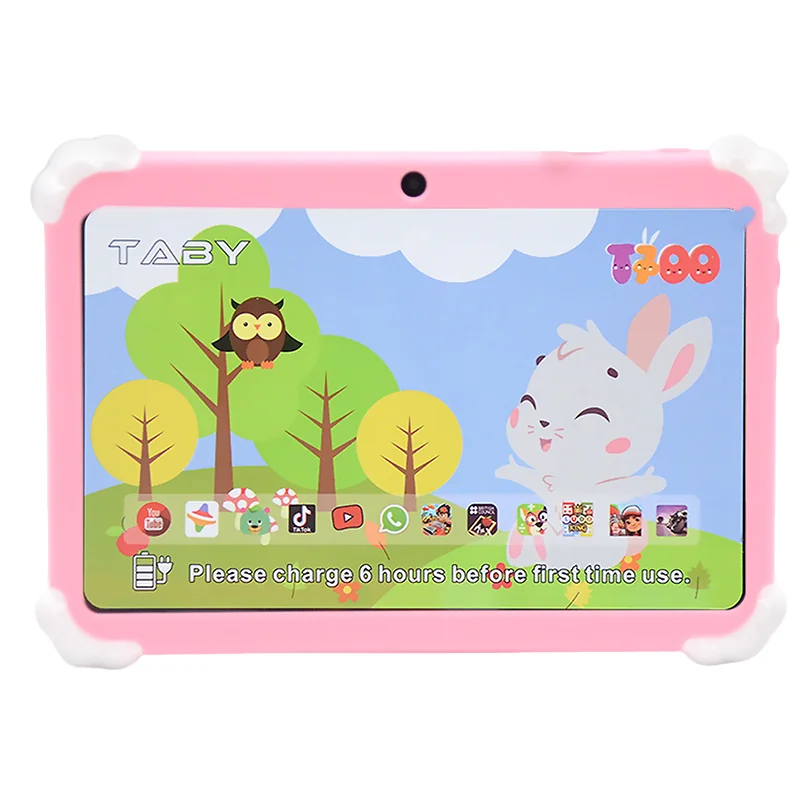
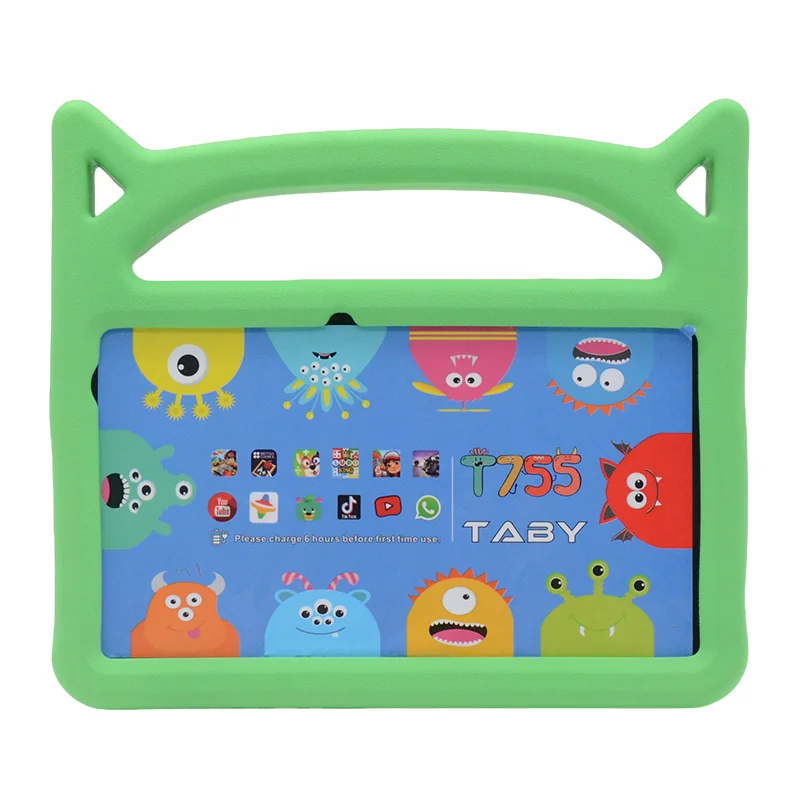
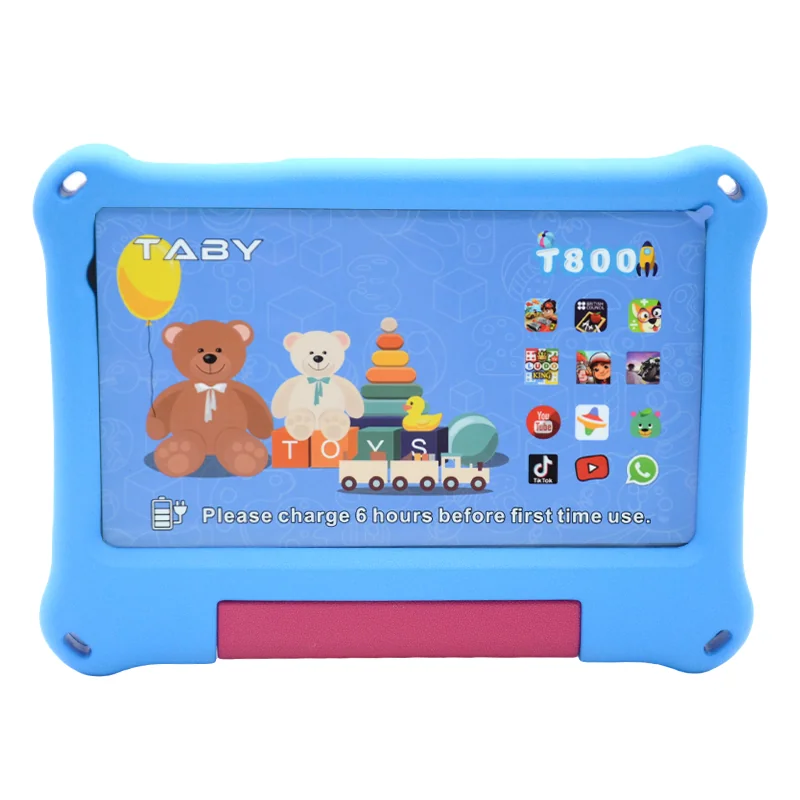
Not every chassis is worth building a hardened firmware layer on. For kids programs, match the control scope to a small form factor first — our T730 7-inch, T800 8-inch and T1000 10.1-inch kids platforms cover the common retail and education sizes, and for higher-spec programs the T606 and T616 10-inch Android platforms give you the headroom for a custom launcher and OTA management.
Send us your target market, control scope (layers 1–4) and unit volume, and we will come back with a provisioning spec, a sample plan and an RFQ-ready parental-control line item list. Request a quote or an evaluation sample with the launcher and control profile pre-provisioned.