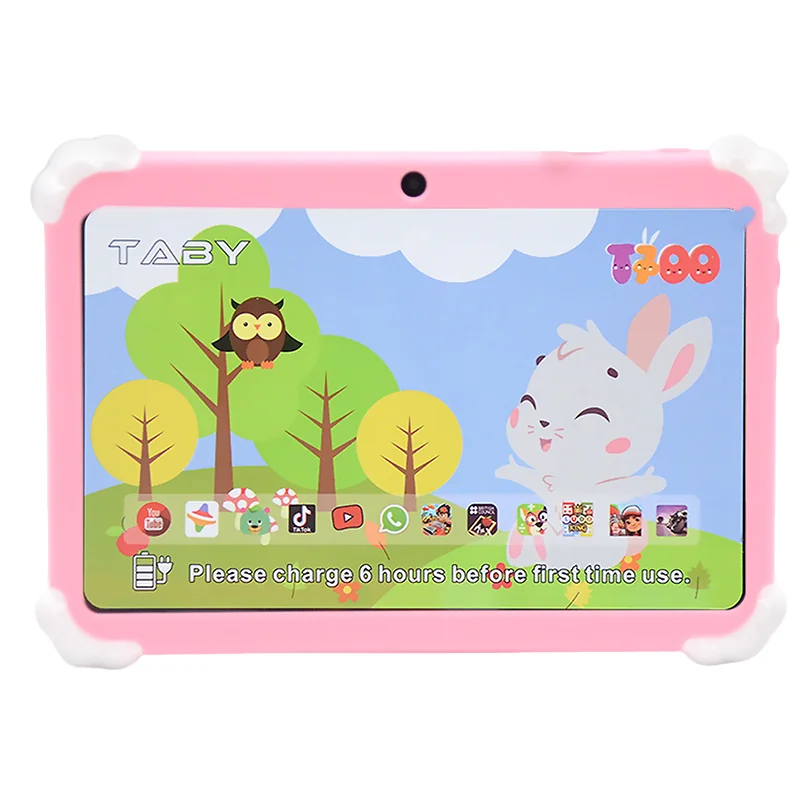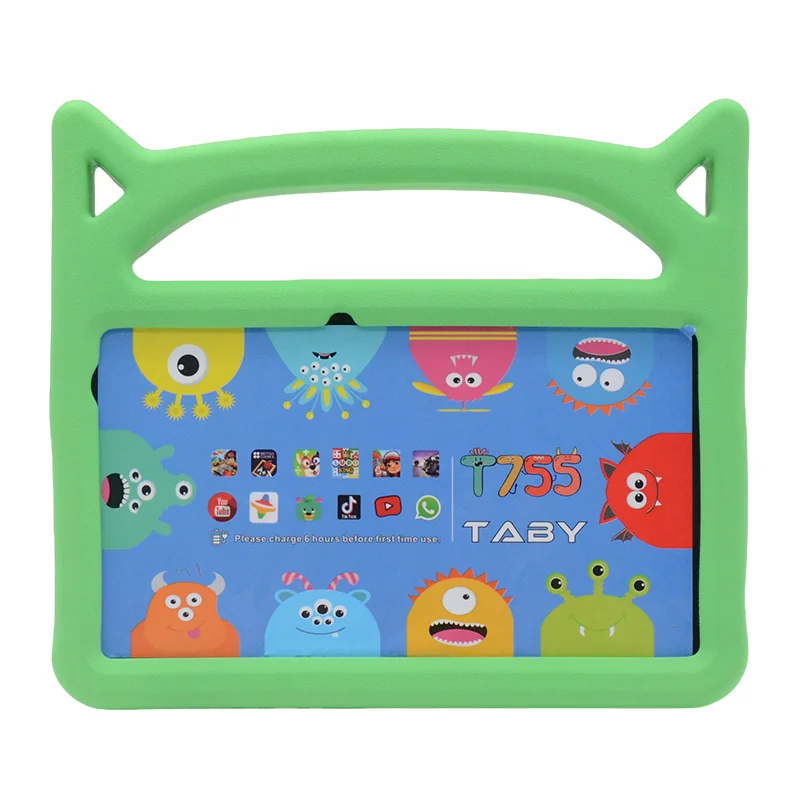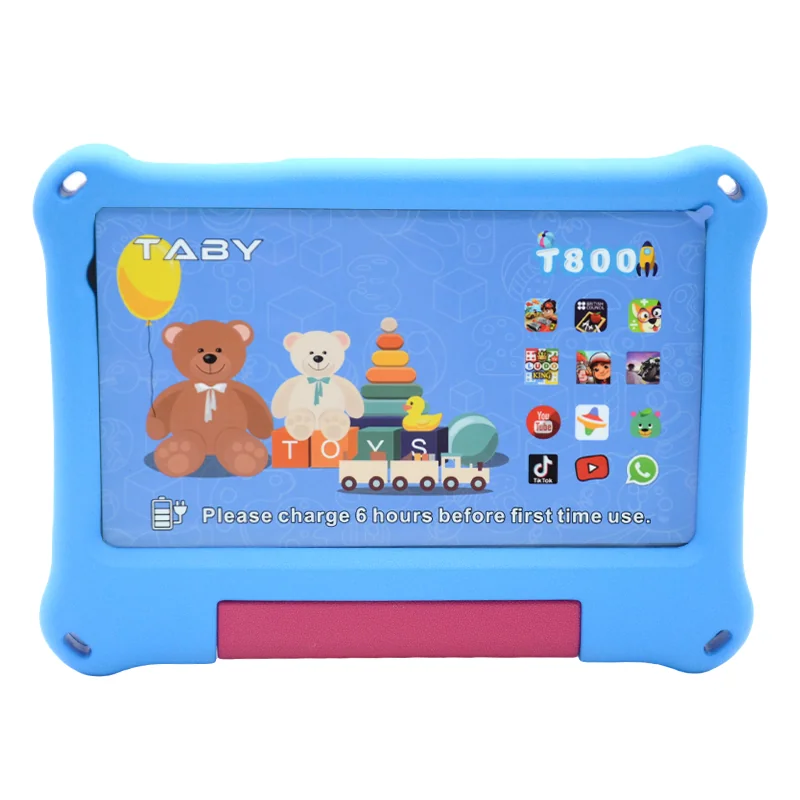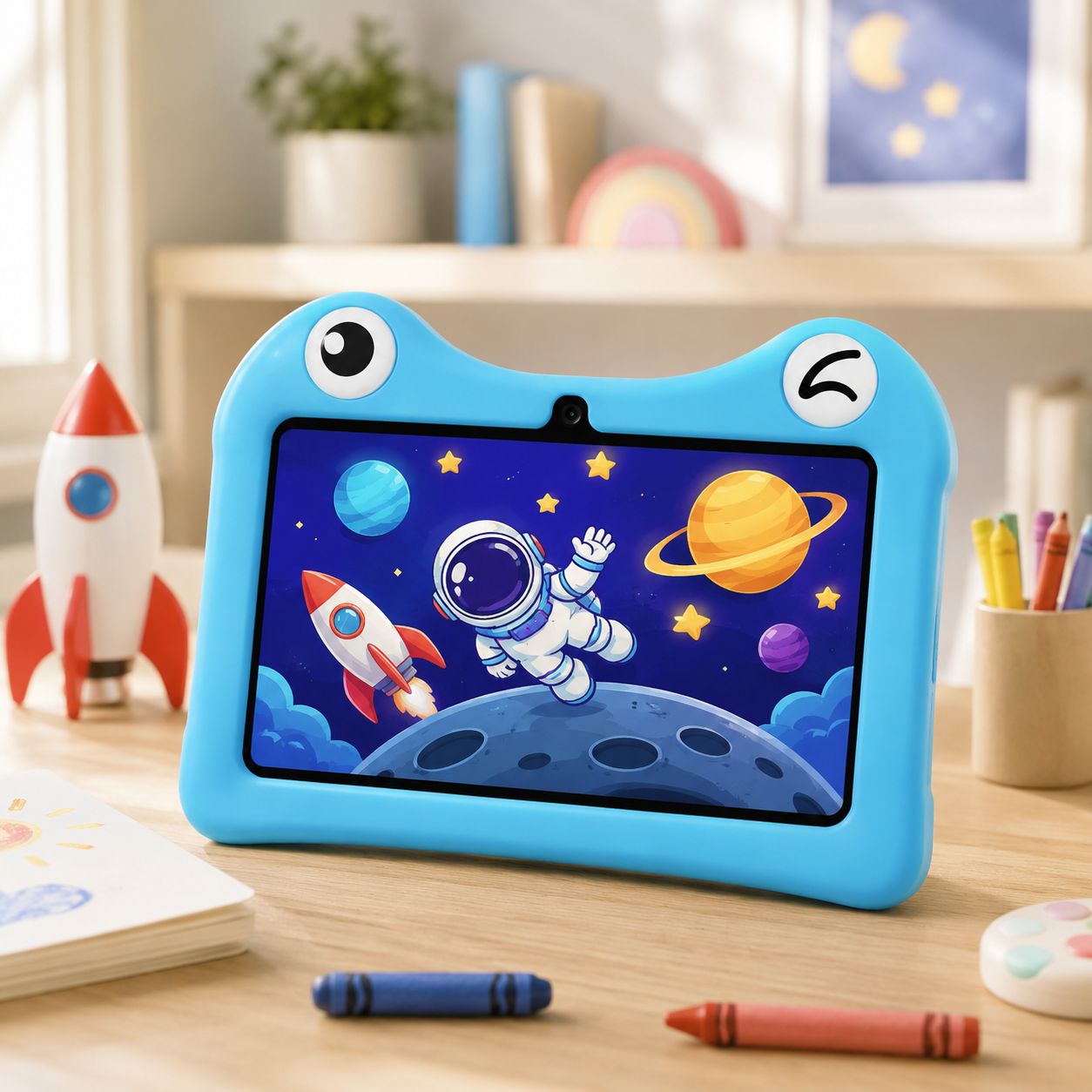
STEAM Kids Tablet OEM: Digital Literacy & Coding for Schools
School districts and EdTech resellers buying in bulk face a choice consumer review sites never discuss: pick the cheapest Android slate from a “best kids tablets” list, or deploy an OEM STEAM terminal engineered for compliance, durability, and fleet management. The right answer changes your deployment success, your total cost of ownership, and how well your curriculum actually teaches.
**An OEM STEAM kids tablet is a ruggedized, fleet-manageable Android terminal built for classroom digital literacy and early coding programs — a teaching tool, not a toy. It ships with app whitelisting, MDM support, drop-protected displays, and school-grade certifications (CE, FCC, RoHS, ASTM F963, EN71). The purchase decision is a 3-year total-cost-of-ownership choice, not a per-unit price choice.**
The $2,000 mistake: why “toys” fail in classrooms
Here is the math that blows up a budget. A consumer “kids tablet” at $80–$150 is not designed for 30 students sharing lockers, being dropped on tile floors, and running coding apps for six hours a day. In practice, an $80 toy breaks within 6 months. Replacement plus IT labor, imaging, and re-deployment lands around $200+ per device — before you add lost teaching time. A rugged OEM terminal at $180–$350, with a 24–36 month warranty, ends up cheaper over a 3-year lifecycle.
For US and EU buyers, the compliance gap is worse. Consumer tablets rarely carry child-safety certifications like ASTM F963 (US) and EN71 (EU), may have unmanaged adware, and fail the data-privacy expectations of COPPA and GDPR. Procurement officers who buy on sticker price pay in reliability, compliance audits, and IT hours. As one concrete example: a US district deployed 500 units across 10 elementary schools and reduced breakage by 40% versus their prior consumer fleet — because the OEM build was drop-rated and serviceable.
The top-ranking “best kids tablets” listicles never mention any of this. They review screens and games for parents. This piece covers what they skip: manageability, curriculum integration, and fleet compliance.
From toy to terminal: 3 shifts schools must make
Shift 1 — Entertainment to education. A teaching terminal ships with pre-loaded curriculums, app whitelisting, zero ads, and screen-time controls. Students get ScratchJr, not YouTube. This is the practical difference behind why a kid-safe learning tablet beats borrowing Mom’s iPad.
Shift 2 — Individual to fleet. Consumer devices were built for one child. An OEM fleet runs remote management (MDM), batch firmware updates, shared-device lockers, and multi-user profiles — so a school can re-image 200 devices over a weekend, not a semester.
Shift 3 — Fragile to rugged. Reinforced screens, drop-proofing, replaceable parts, and all-day battery life. The terminal is an asset with an SLA, not a disposable gadget.
10 specs that separate a toy from a teaching terminal
Before comparing unit prices, compare these ten specifications side by side. They determine whether your deployment survives year two.
| Spec | Typical consumer toy tablet | Typical OEM STEAM terminal |
|---|---|---|
| Processor | 2.0 GHz quad-core | 2.0 GHz octa-core (RK3566-class) |
| RAM | 2 GB | ≥4 GB (minimum for coding apps) |
| Storage | 16–32 GB | 32–64 GB + SD expandability |
| Screen durability | Untempered glass | Corning Gorilla Glass, IP54-rated |
| Battery | 4,000–5,000 mAh | 6,000–8,000 mAh, all-day class |
| OS | Android 12, adware-laden | Android 13/14, Android Enterprise Recommended |
| Device management | None | MDM-ready, kiosk mode, batch OTA |
| Certifications | FCC/CE only | FCC, CE, RoHS, UL 2054, ASTM F963, EN71 |
| Warranty | 6–12 months | 24–36 months with RMA SLA |
| Price per unit | $80–$150 | $180–$350 |
The 4 GB RAM threshold matters more than most buyers expect: it is the minimum for smooth ScratchJr, Tynker, and Code.org performances. For full spec detail, see our 10-inch OEM STEAM terminal lineup.
Curriculum alignment: STEAM, digital literacy, and early coding
A tablet is only a teaching terminal if the content survives. OEM Android builds let schools whitelist and pre-load coding apps — ScratchJr, Code.org, Tynker — and align them with ISTE standards and Common Core digital-literacy expectations. With MDM, updates push overnight in batches, and custom ROMs can include offline coding lessons for schools with unreliable bandwidth.
The education research is unambiguous. Project Tomorrow’s annual Speak Up surveys — which poll more than 300,000 US students, parents, and educators each year — consistently link school-provided devices to stronger digital-literacy gains, while BYOD and consumer-device programs lag on equity and reliability. A terminal you control removes the “my tablet is broken” excuse from the learning loop.
OEM benefits for schools and resellers
OEM procurement unlocks what retail cannot: custom branding, hardware modifications (extra headphone jacks, USB ports, kiosk locking), and pre-installed curriculum apps at the factory. A typical EdTech reseller white-labels a terminal like the Wintouch T800, adds its own curriculum portal, and scales the same SKU across 50 districts with one configuration image.
For schools, the staffing win is real. One fleet manager can provision and patch 500 devices remotely — no per-device imaging. Bulk pricing, multi-year warranty terms, and supply-chain reliability are the difference between a pilot and a district rollout.
De-risking your purchase: certifications, testing, and support
US and EU procurement requires documentation, not promises. At minimum, your OEM terminal should carry CE, FCC, RoHS, and UL marks; for children’s hardware, ASTM F963 (US) and EN71 (EU) are mandatory. Battery safety should be tested per UL 2054, screens should include blue-light filters, and Wi-Fi should support WPA2/WPA3. Ask the OEM to state certification limits in writing — a supplier who hands over certificates without hesitation is more likely to stand behind an RMA SLA.
Warranty transparency is a trust test. A reputable OEM offers 24–36 month coverage with a defined return-merchandise-authorization (RMA) process and a technical-support response SLA. If warranty terms are vague, the device cost is a down payment on future IT pain.
Next step: How to evaluate and get a quote
Before contacting a manufacturer, assemble a requirements checklist: grade level and device count, OS preference (Android vs. custom ROM), required ports (headphone jack, USB-C), battery life target, and management platform (e.g., Google Zero-Touch, third-party MDM). Then request a sample for 30-day classroom testing — place it in real kid hands, not a conference room.
That field test is the single best de-risking move you can make. Request a school/STEAM tablet quote and ask for a demo unit plus the full datasheet. A terminal that survives a month of student abuse is the one you can justify for three years.
FAQ
What certifications do kids tablets need for US schools?
In the US, FCC Part 15 for wireless, UL 2054 for battery safety, and ASTM F963 for toy safety, plus RoHS. In the EU, CE (RED), EN71 for children’s products, and RoHS. Data-privacy programs like COPPA (US) and GDPR (EU) compliance also apply to software and management tools. Require certificates in writing from your OEM before purchase.
How can I pre-load coding apps on tablets?
Two ways: push apps via MDM after deployment (whitelist ScratchJr, Tynker, Code.org and push over OTA), or have the OEM pre-install a custom ROM with offline coding lessons at the factory. Pre-loading at production is faster for large fleets and avoids per-device setup.
What is the minimum order quantity for OEM kids tablets?
MOQs vary by manufacturer and by how much you want customized. Standard-build tablets may have lower MOQs, while custom branding, custom ROMs, or hardware modifications typically require 100–500 units or more. Ask the OEM for their tiered MOQ structure in writing.
How do I ensure the tablet is future-proof for STEAM education?
Choose ≤4 years of current specs: at least 4 GB RAM, 32–64 GB storage, Android Enterprise Recommended certification, and an OEM that commits to multi-year security patches and long-term end-of-life support. Verify the management platform (MDM) you standardize on is compatible before you buy.