After the Family Movie Night: Why a Kid-Safe Learning Tablet Beats “Borrowing Mom’s iPad”
A kid-safe learning tablet is a purpose-built Android device designed for children: it pairs a hardened, shock-absorbing frame with a tamper-proof parental-control layer and an eye-protection IPS screen, so a child can watch family movies, read, and play educational apps without access to adult content, without hours of unsupervised screen time, and without repeatedly dropping a parent’s expensive tablet. If your family is hooked on the summer animated hit “Niu Lai” and your child keeps grabbing your phone, a dedicated kid tablet is the durable, controlled alternative — and for retailers and education-channel buyers, it is a high-demand resale line with real OEM/ODM customisation behind it.
Why a Dedicated Kids Tablet Instead of a Hand-Me-Down iPad
After a shared movie night, kids want their own screen. Handing over an adult tablet creates three predictable problems: they scratch and drop a $500+ device, they drift into unrestricted apps and YouTube rabbit holes, and “five more minutes” stretches into an hour. A kids tablet removes all three by design — and it does so with components a mainstream flagship never ships.
1. The shock-proof frame is a repair-cost decision, not a toy feature
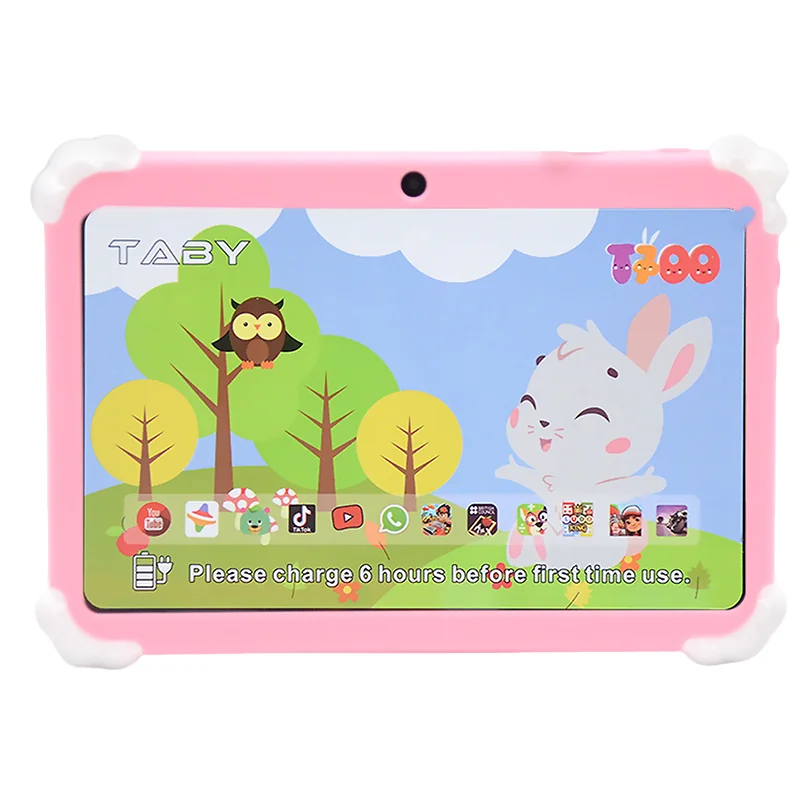
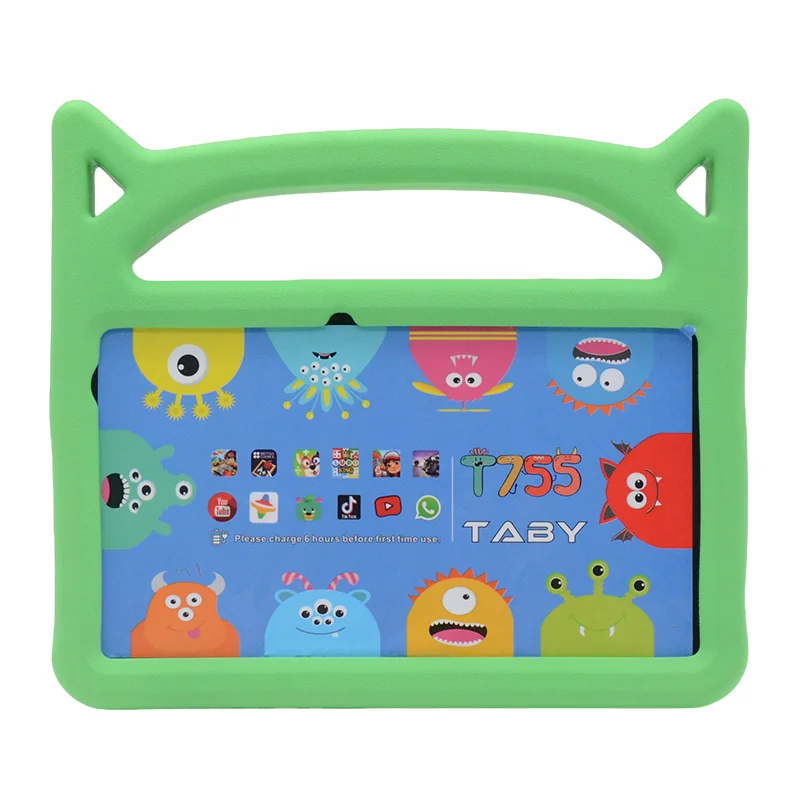
Children drop devices at a much higher rate than adults, and a cracked screen on a flagship is typically a $150–$350 repair. A kid tablet’s four-corner-buffered, shatter-resistant chassis is engineered to survive those drops, which is why retailers selling to families report lower return and warranty claims on purpose-built kids lines than on repurposed general-purpose tablets. For a buyer, that difference shows up on the bottom line, not just in the spec sheet.
2. The parental-control layer is the actual “product”
The differentiator between a cheap 7-inch Android tab and a genuine kid tablet is the control layer: time limits, per-app whitelists, content filtering, and a parent PIN that cannot be bypassed with a reset. Pediatric guidance consistently recommends consistent limits and adult oversight of children’s media use — a purpose-built tablet bakes those rules into the device rather than relying on a parent to police a general-purpose OS. For education channels, the same layer enables single-app kiosk modes and classroom content locks.
3. The eye-protection screen addresses the top parent concern
Parents consistently rank eye comfort and screen time as their first concerns. An IPS panel with wide viewing angles plus low-blue-light / eye-comfort modes is the standard ask. When sourcing, verify the panel is IPS (not TN) and confirm the blue-light filter is a hardware-supported mode, because that is the claim you will put on your own product listing.
What to Check When Sourcing a Kid-Safe Tablet
| Sourcing point | Why it matters | Suggested spec |
|---|---|---|
| Parental-control layer | Time limits, per-app whitelists, and content filtering are the core of a kid tablet | Parent PIN plus per-app time limits |
| Shock-proof case | Kids drop devices constantly; the bumper decides your return/warranty rate | Four-corner buffering; IP-level protection as needed |
| Eye-protection IPS screen | Eye comfort is a parent’s #1 decision point | IPS wide viewing angles, low blue light |
| Battery life | Stays on through class, car rides, and trips | ≥5000mAh |
| RAM and storage | Determines multitasking and room for future OS cycles | ≥4GB RAM + ≥128GB storage |
Real Specs From the Wintouch Kid Tablet Line
Every model below ships on Android 14 with a minimum of 4GB RAM and 128GB storage — enough to run current educational apps and leave room for the next OS cycle. Higher-end units move to 6GB + 256GB with much larger batteries, which matters for long classroom or road-trip sessions.
| Model | Screen | OS | RAM/Storage | Battery |
|---|---|---|---|---|
| T700 | 7″ | Android 14 | 4GB + 128GB | — |
| T710 | 7″ | Android 14 | 4GB + 128GB | — |
| T730 | 7″ | Android 14 | 4GB + 128GB | — |
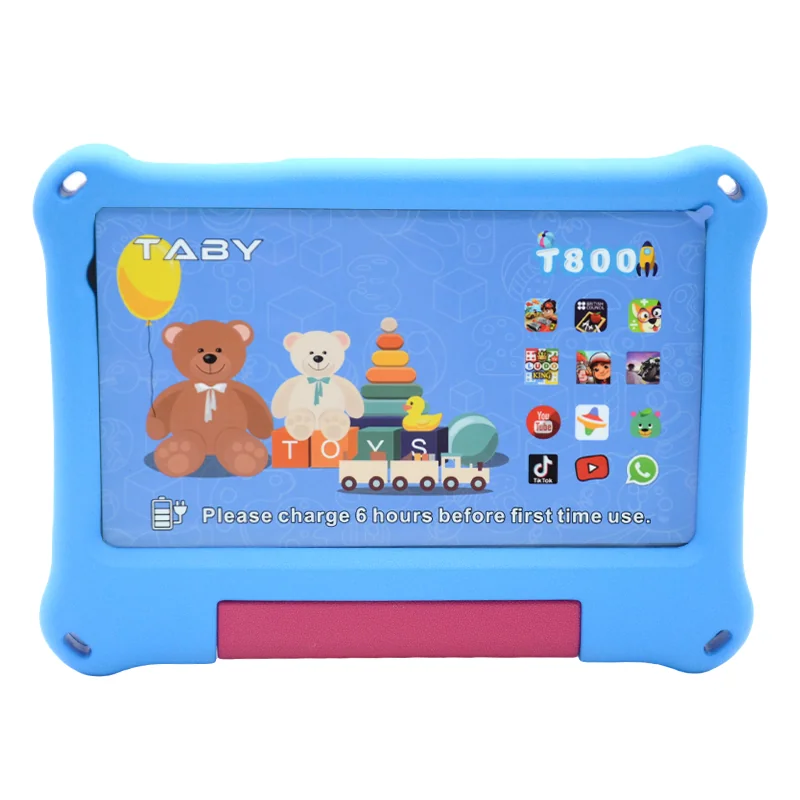
| T800 | 8″ | Android 14 | 6GB + 256GB | 6000mAh |
| T1000 | 10.1″ | Android 14 | 6GB + 256GB | 10000mAh |
De-Risking Your Purchase
For EU/US retail channels, confirm CE/FCC per specific SKU, lock the Android version at ordering, and require the battery capacity in writing. The American Academy of Pediatrics recommends consistent, age-appropriate media limits and co-viewing — a device built with a pre-set parental layer makes that achievable out of the box rather than as an afterthought. Because Wintouch is the factory itself, casing design, launcher, parental-control app preload, pre-installed educational content, and branding are all OEM/ODM configurable from the manufacturing floor, so you can launch a private-label kids line rather than reselling an off-the-shelf generic tab.
Frequently Asked Questions
What is the difference between a kids tablet and a regular tablet?
A kids tablet adds three things a regular tablet does not ship with: a shock-absorbing, shatter-resistant frame, a tamper-proof parental-control layer (time limits, per-app whitelists, content filtering, parent PIN), and an eye-protection IPS screen with low-blue-light modes. A regular tablet requires a parent to police a general-purpose OS and accepts higher drop-and-repair risk.
How does the Wintouch T-series protect a child’s eyes?
The T-series uses IPS panels with wide viewing angles and supports low-blue-light / eye-comfort display modes, which address the top parent concern of eye comfort during long movie or learning sessions. Confirm the specific panel mode with the factory for your target listing.
Can we launch a private-label kids tablet?
Yes. Wintouch is the factory, so OEM/ODM customisation covers casing design, launcher, pre-loaded parental-control app and educational content, and branding. Minimum order quantities and lead times are set per configuration; request a quote to lock yours.
What certifications do I need to sell into EU/US?
For EU retail, CE (including applicable EMC/radio directives) is the baseline; for US, FCC. Certifications apply per specific SKU and configuration, so confirm the exact compliance paperwork with the factory at ordering time.
Next Step
Request a quote, sample unit, or datasheet for the T-series kid tablets, or browse the T800 and T1000 product pages. For a broader look at the kid-and-education range, see our kids tablet collection and kids tablet sourcing guide. Wintouch supports OEM/ODM customisation from the factory floor — tell us your casing, launcher, and content requirements and we’ll build to them.