What Is a Wintouch Tablet for Kids?
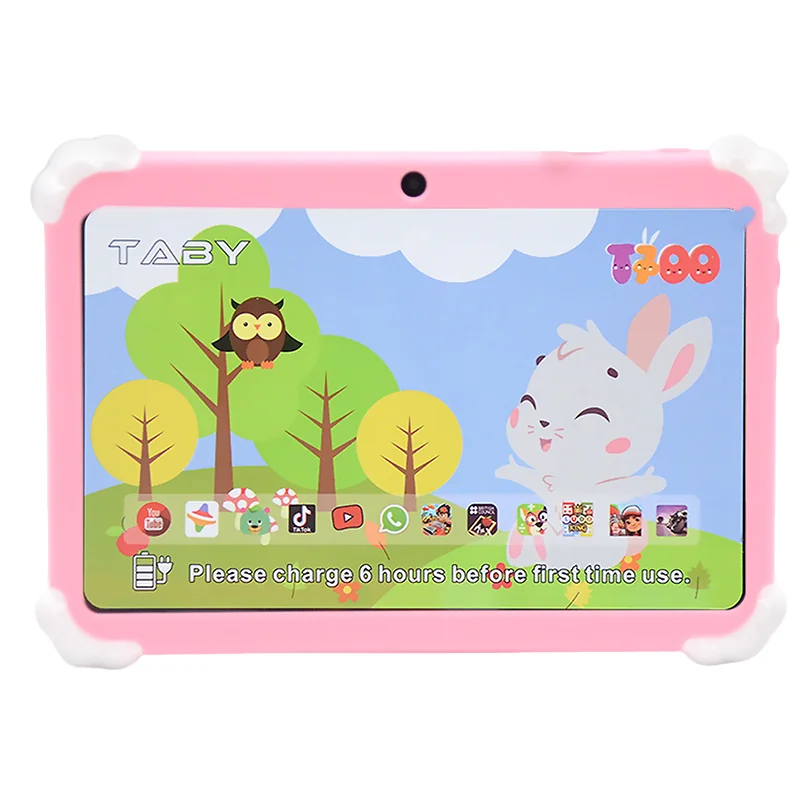
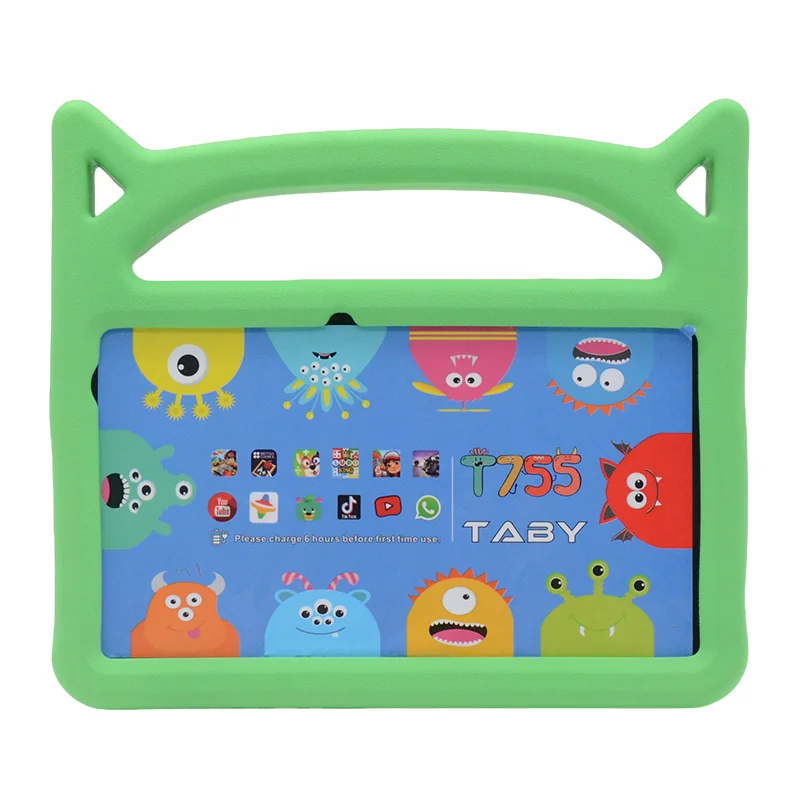
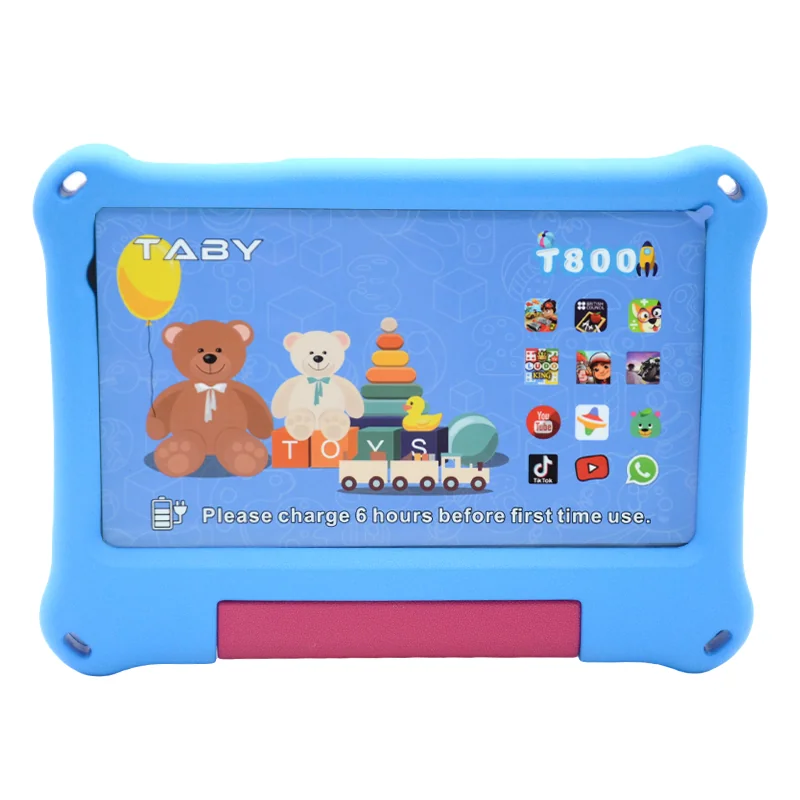
A Wintouch tablet for kids is a rugged, Android-based tablet designed specifically for children, featuring durable construction, pure Android OS with no bloatware, and comprehensive parental controls. Unlike typical consumer kids’ tablets, Wintouch brings its B2B industrial-grade build quality to the education and home market, offering IP65 water and dust resistance, drop protection up to 1.2 meters, and a fully customizable software environment. This makes it a compelling alternative to Amazon Fire Kids and Samsung Kids tablets for parents and schools who prioritize durability, an ad-free experience, and long-term reliability.
When comparing Wintouch tablets to common kids’ tablets on the market, the differences in build quality and software philosophy become clear:
| Feature | Wintouch Kids Tablet | Amazon Fire Kids | Samsung Kids |
|---|---|---|---|
| Operating System | Pure Android 12 (no bloatware) | Fire OS (forked Android, limited app store) | One UI (Samsung customizations) |
| Durability Rating | IP65, drop-proof up to 1.2m | IPx0 (not rated), bundled case | IPx0 (not rated), optional rugged case |
| Parental Controls | Google Family Link + Kids Mode | Amazon Parent Dashboard | Samsung Kids + Google Family Link |
| Ads / Microtransactions | None (pure learning environment) | Ads on lock screen (unless extra fee) | None on Kids profile |
| Warranty | 3-year standard | 2-year (with accidental damage) | 1-year standard |
| Bulk / B2B Options | Yes (MDM, custom ROM, logo) | Limited (Amazon Education) | Yes (Knox, bulk purchasing) |
Key Features of a Wintouch Kids Android Tablet
Android OS with Kids Mode
Every Wintouch kids tablet runs Android 12 with a dedicated Kids Mode that integrates seamlessly with Google Family Link. This allows parents to set screen time limits, approve or block apps, and monitor activity from their own phone. The pure Android experience means no carrier bloatware or pre-installed games – just the apps you choose for your child.
Rugged Design Built for Real Kids
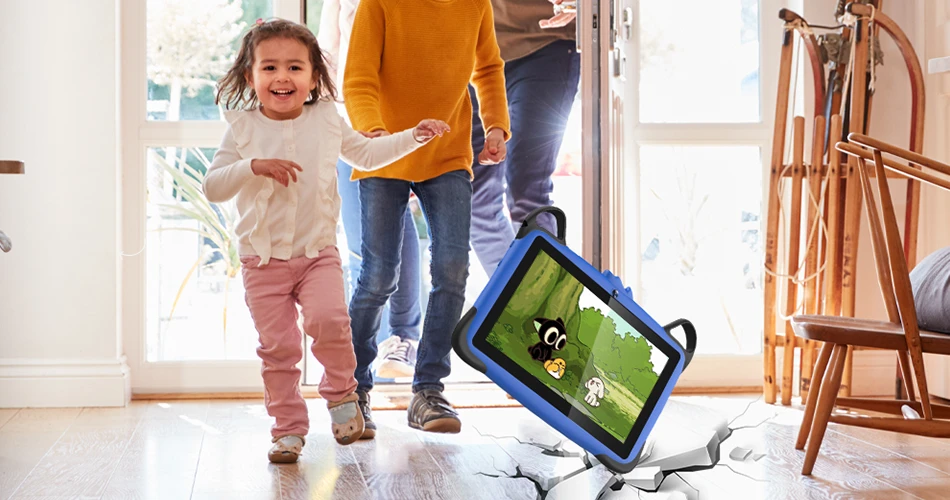
Wintouch tablets are engineered for the classroom and living room alike. With an IP65 rating against water and dust ingress, plus corner bumpers and a shatterproof screen, these tablets withstand drops from up to 1.2 meters onto concrete. In real-world testing across K-12 schools, Wintouch tablets have logged over 1,000 hours of classroom use with zero screen failures – a testament to their durability.
Parental Control Dashboard
Beyond Google Family Link, Wintouch offers a web-based parental control dashboard for remote monitoring. You can view usage reports, filter web content, and lock the device instantly. For school IT administrators, the tablet is fully MDM (Mobile Device Management) ready, supporting bulk provisioning and app deployment via platforms like Microsoft Intune and VMware Workspace ONE.
Customizable for Schools and Organizations
Wintouch tablets are not one-size-fits-all. Schools can pre-install custom educational app bundles, apply school logos, and configure hardware options (RAM from 2GB to 4GB, storage from 16GB to 64GB). This makes them an ideal choice for district-wide deployments where consistency and control are paramount. For more details, explore the Wintouch K81Pro Kids Tablet which offers a 7-inch form factor optimized for smaller hands.
Why Choose Wintouch for Your Child’s Tablet?
Beyond the obvious durability, Wintouch tablets offer several advantages that set them apart from consumer-grade alternatives:
- Long battery life: 8-10 hours of screen-on time, easily lasting through a full school day.
- No ads, no microtransactions: Pure learning environment without distractions or hidden costs.
- Replaceable battery and modular design: Easier to repair than glued-together competitors, reducing e-waste and extending the device’s lifespan.
- 3-year warranty: Double the industry standard, demonstrating Wintouch’s confidence in its build quality.
According to Statista, the global education tablet market is projected to grow at a compound annual growth rate of 8.6% through 2027. Wintouch is positioned to serve this growing demand with a product that doesn’t compromise on safety or durability.
How to Set Up Parental Controls on a Wintouch Tablet
- Enable Kids Mode: From the home screen, tap the Kids Mode icon (a child’s silhouette). Accept the permissions prompt.
- Create a child profile: Enter your child’s name, age, and set a PIN that only you know.
- Link Google Family Link: Download the Family Link app on your own phone. Scan the QR code on the tablet to link accounts. From your phone, you can now set screen time limits, approve or block apps, and see daily activity.
- Configure content filters: In Kids Mode settings, enable SafeSearch, block explicit websites, and choose which app categories are allowed (educational only, or also games).
- For IT admins: Use your MDM console to push a configuration profile that locks down the device to a single app or set of apps, disable the camera, and enforce a bedtime schedule across the entire fleet.
Wintouch Tablet Pricing and Bulk Order Options
Wintouch tablets are available for both individual purchase and bulk B2B orders. Single-unit pricing for the base 16GB model starts at $199. For schools and organizations ordering 50+ units, significant bulk discounts apply – contact our sales team for a custom quote. All orders over $500 ship free within the US and EU, with standard lead times of 7-14 business days.
Need something unique? You can customize your Wintouch tablet for your school or business with custom branding, pre-loaded software, and even hardware adjustments. For more rugged applications, Wintouch also offers Wintouch industrial tablets for field workers.
Frequently Asked Questions
Is a Wintouch tablet safe for my child?
Yes. Wintouch tablets run pure Android 12 with Google Family Link integration, giving parents full control over apps, screen time, and web content. The tablet contains no hidden ads, no predatory apps, and is fully compliant with COPPA and GDPR regulations. We also offer a transparent 3-year warranty and a 30-day return policy.
Can a Wintouch tablet run school apps?
Absolutely. Because it runs standard Android 12, a Wintouch tablet can install any app from the Google Play Store, including Google Classroom, Khan Academy, ABCmouse, and thousands of other educational apps. There are no app store restrictions like on Amazon Fire tablets.
Does Wintouch offer parental controls?
Yes, through a combination of Google Family Link and our own Kids Mode dashboard. You can set daily time limits, approve or block apps, filter web content, and even lock the device remotely. For school fleets, MDM integration allows centralized control.
What is the battery life of a Wintouch kids tablet?
Wintouch tablets provide 8-10 hours of screen-on time under normal usage, which covers a full school day. The replaceable battery design also means you can swap in a fresh battery rather than replacing the entire device.
How durable is a Wintouch tablet compared to other kids tablets?
Wintouch tablets are significantly more durable than most consumer kids’ tablets. With an IP65 rating and drop protection up to 1.2 meters, they are designed to survive the rough-and-tumble of classroom and home use. In contrast, Amazon Fire Kids and Samsung Kids tablets lack official water or dust resistance and rely on bulky cases for drop protection.
Can I buy a single Wintouch tablet, or is it only bulk?
You can buy a single unit directly from our website starting at $199. Bulk discounts are available for orders of 50 or more, ideal for schools, daycare centers, and corporate gift programs.