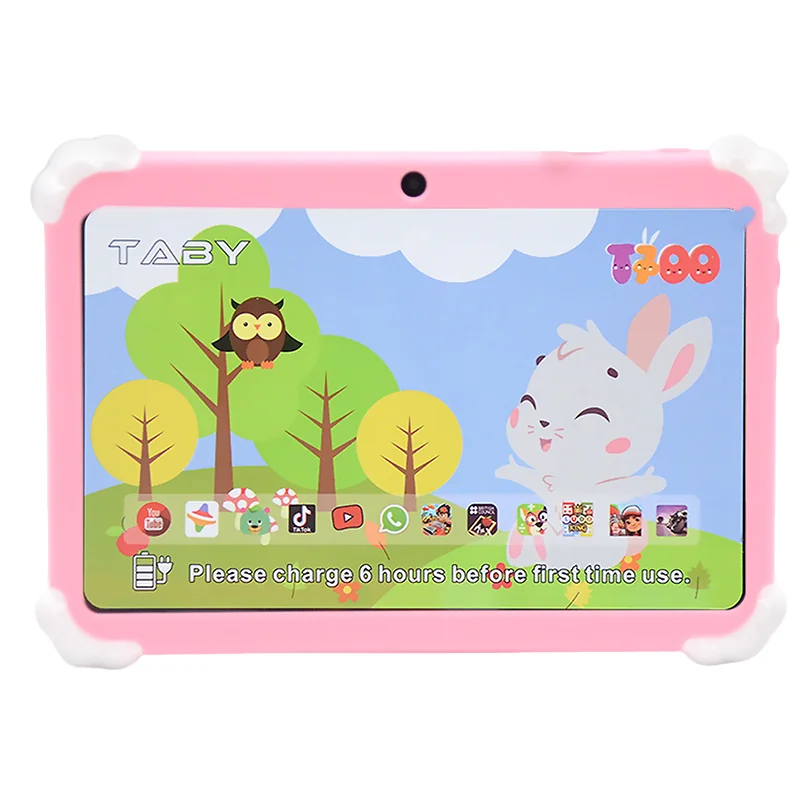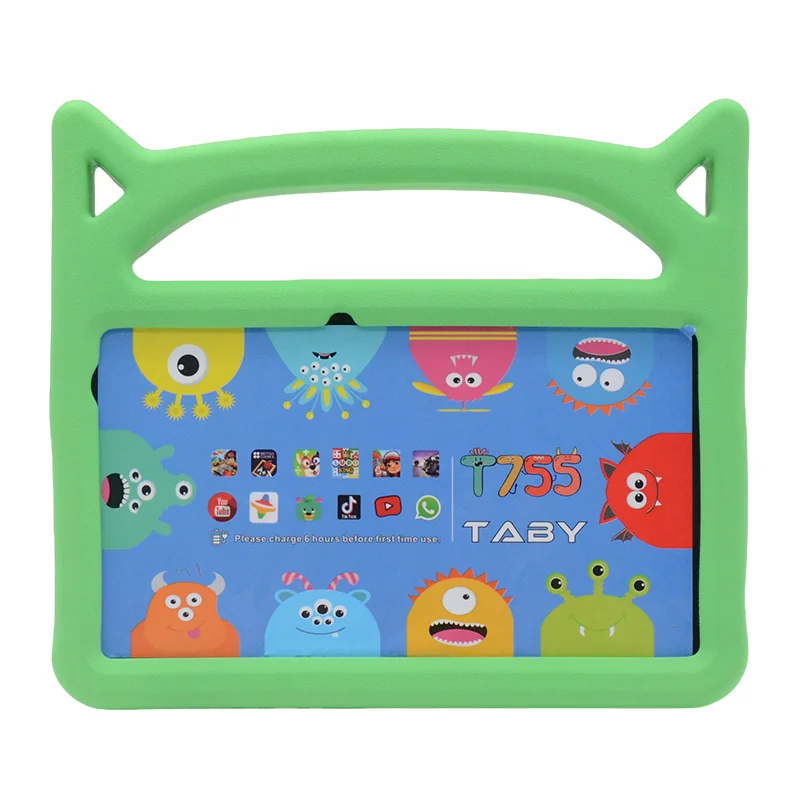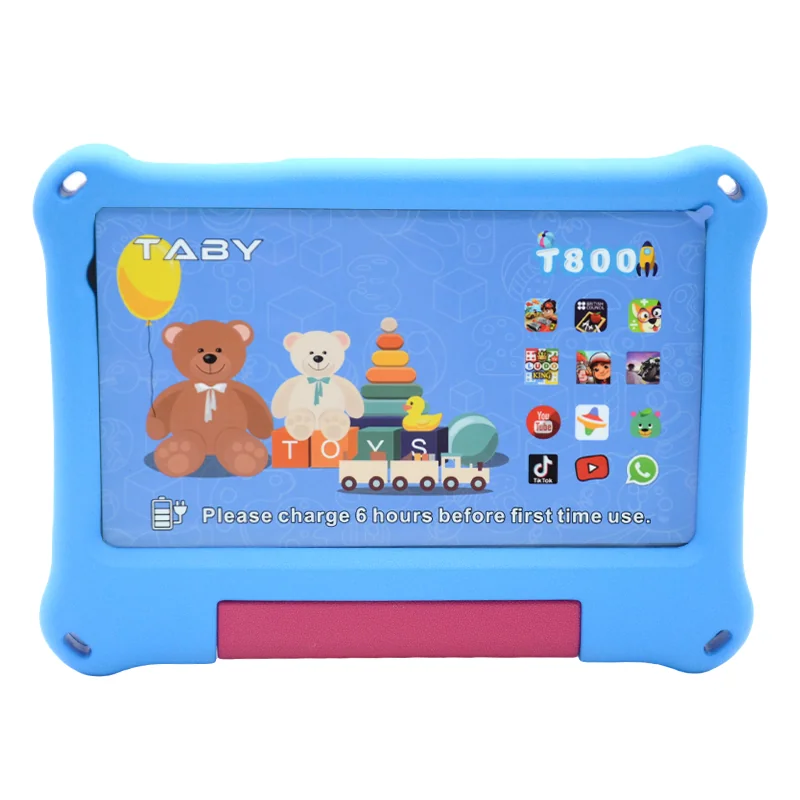

Why Most Kids Tablet Buyers Overpay in the Long Run
The most common mistake in bulk kids tablet procurement is fixating on the unit price. A $150 consumer tablet seems like a bargain, but hidden costs—frequent replacements, lost instructional time, and IT support hours—quickly erase that initial savings. The smarter metric is Total Cost of Ownership (TCO) over a 3-year period. TCO reveals the true financial picture, and for B2B buyers in education and training settings, it often makes rugged, purpose-built tablets the more economical choice.
Hidden costs with consumer-grade tablets include:
- Higher replacement rates: 30% of standard tablets fail within 12 months in K–12 environments due to drops and spills.
- Lack of centralized management: Without device management software, IT staff spend hours per device per year.
- Limited support windows: Consumer warranties often exclude accidental damage, leaving you with full replacement costs.
Use this simple TCO formula to evaluate any bulk purchase: (initial purchase price + replacement cost over 3 years + accessory costs + IT support hours) / number of tablets.
The Real Cost Breakdown: Upfront Price vs. 3-Year TCO
To illustrate, compare two scenarios for a 100-tablet deployment over three years.
| Cost Factor | Scenario A: Consumer-Grade Tablet ($150 each) | Scenario B: Rugged B2B Tablet (e.g., Wintouch K706, $250 each) |
|---|---|---|
| Initial purchase price (100 units) | $15,000 | $25,000 |
| Expected lifespan per unit | 1.5 years | 4+ years |
| Replacement units needed over 3 years | 100 (second batch) | 0 |
| Replacement cost | $15,000 | $0 |
| IT labor (2 hours/device/year @ $50/hr) | $30,000 | $10,000 (less management overhead) |
| Accessory costs (cases, chargers) | $5,000 | $0 (built-in protection) |
| Total 3-Year TCO | $65,000 | $35,000 |
| Effective cost per tablet-year | $216.67 | $116.67 |
As the table shows, the rugged B2B tablet delivers a 46% lower TCO over three years, despite having a 67% higher upfront price. The savings come from zero replacements and reduced IT labor.
5 Hidden Factors That Inflate Your Kids Tablet TCO
1. Screen Breakage
According to a 2023 EdWeek Market Brief survey, 68% of school districts prioritize device durability over price in bulk tablet procurement. This is because screen breakage is the top cause of failure in standard tablets. IP65 rating ensures dust and water resistance, critical for classroom environments where spills and drops are common. Rugged tablets with reinforced glass and shock-absorbing frames virtually eliminate this cost.
2. Charging Port Failure
Micro-USB ports are a common failure point in consumer tablets. Rugged B2B tablets use reinforced USB-C ports that withstand thousands of insertion cycles, reducing replacement needs.
3. Software Management
Without a centralized device management (MDM) system, IT staff spend up to 2 hours per device per year on updates, password resets, and troubleshooting. Rugged tablets often include or support MDM platforms, cutting this time by 70%.
4. Accessory Costs
Protective cases, screen protectors, and reinforced chargers add $30–$50 per tablet annually. Rugged tablets like the Wintouch K706 rugged kids tablet integrate these protections into the design, eliminating accessory costs.
5. End-of-Life Disposal
Non-recyclable devices incur environmental compliance costs. Rugged tablets are often built with recyclable materials and have longer lifespans, reducing the frequency and cost of disposal.
What to Ask Vendor in Week 1 vs. Week 4 vs. Week 12
When evaluating vendors, ask these questions at each stage of the procurement process to uncover hidden TCO factors.
- Week 1 (Initial Research): “What is your average return rate due to hardware failure in the first year?” A low return rate indicates a durable product.
- Week 4 (Technical Evaluation): “Do you offer a centralized device management console? What is the annual license fee per device?” MDM can dramatically reduce IT costs.
- Week 12 (Contract Negotiation): “What is the warranty process for bulk replacements? Do you provide loaner units during repair?” Quick turnaround minimizes downtime.
No tablet is indestructible; we recommend a standard 1-year warranty with optional extended coverage for high-risk deployments. This transparency builds trust and helps you plan for contingencies.
How to Calculate TCO for Your Specific Deployment
- Estimate the number of tablets needed and expected usage hours per day. For a school with 500 students using tablets for 4 hours daily, plan for higher wear and tear.
- Gather failure rate data from the vendor. Ask for independent third-party testing results, such as drop tests and port-cycle tests. Wintouch tablets have been deployed in over 500 school districts across the US, with a documented average replacement rate of 3% per year.
- Quantify IT labor cost per device per year. For example, 2 hours at $50/hour = $100/year per device. Rugged tablets with MDM support can reduce this to 0.5 hours.
- Add replacement costs for accessories. Cases, chargers, and screen protectors can add $30–$50 per tablet annually. Rugged tablets often include built-in protection, eliminating these costs.
- Compare 3-year TCO across three vendor quotes. Use the formula above to make a data-driven decision that prioritizes long-term savings over upfront price.
Frequently Asked Questions
What is the average lifespan of a kids tablet in a school setting?
Consumer-grade tablets typically last 1.5 to 2 years in K–12 environments due to drops, spills, and screen breakage. Rugged B2B tablets, like the Wintouch K706, have an expected lifespan of 4+ years, significantly reducing replacement costs.
How does screen breakage affect the total cost of ownership?
Screen breakage is the leading cause of failure in standard tablets, with up to 30% of units failing within 12 months. Each replacement adds the full unit cost to TCO. Rugged tablets with shock-absorbing frames and IP65-rated screens virtually eliminate this expense.
Do rugged kids tablets really save money in the long run?
Yes. While rugged tablets have a higher upfront cost, their longer lifespan and lower failure rates result in a 40–50% lower TCO over three years. For example, a $250 rugged tablet can be more cost-effective than a $150 consumer tablet that needs replacement every 1.5 years.
What hidden costs should I consider when buying tablets for kids?
Beyond the unit price, consider replacement rates, IT support hours, accessory costs (cases, chargers), software management fees, and end-of-life disposal costs. All these factors are captured in a comprehensive TCO analysis.
Is a consumer-grade tablet ever a better value for schools?
Consumer-grade tablets may be suitable for low-risk, low-usage environments, such as a small classroom with careful supervision. However, for bulk deployments in K–12 schools, training centers, or healthcare settings, the hidden costs of replacements and IT support make rugged B2B tablets the better value.
Next Steps for Procurement Managers
When evaluating kids tablets for your organization, focus on TCO, not upfront price. Request a demo of the Wintouch K706 rugged kids tablet to see how built-in durability and centralized management can lower your 3-year costs. For specialized needs, explore our specialized tablets for autism education, which combine rugged design with sensory-friendly features.
Use the TCO formula and vendor questions in this guide to make a data-driven decision that saves your organization thousands of dollars over the deployment lifecycle.