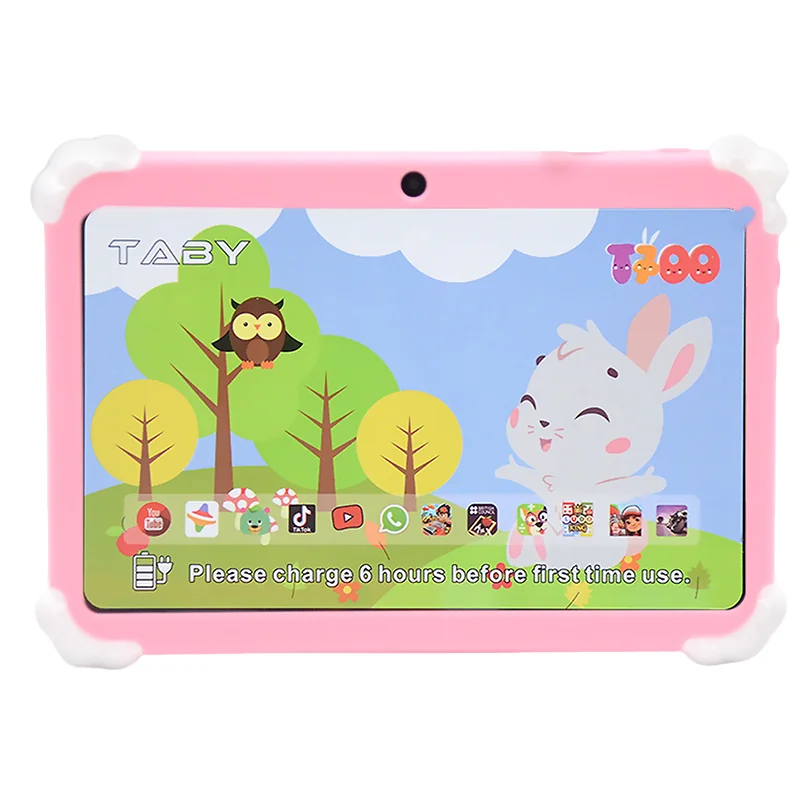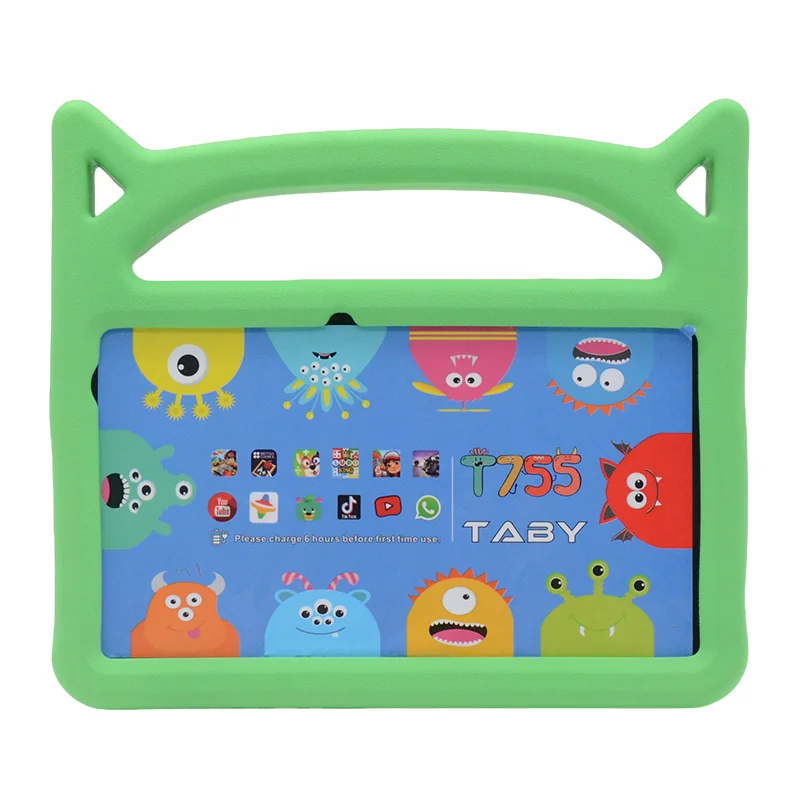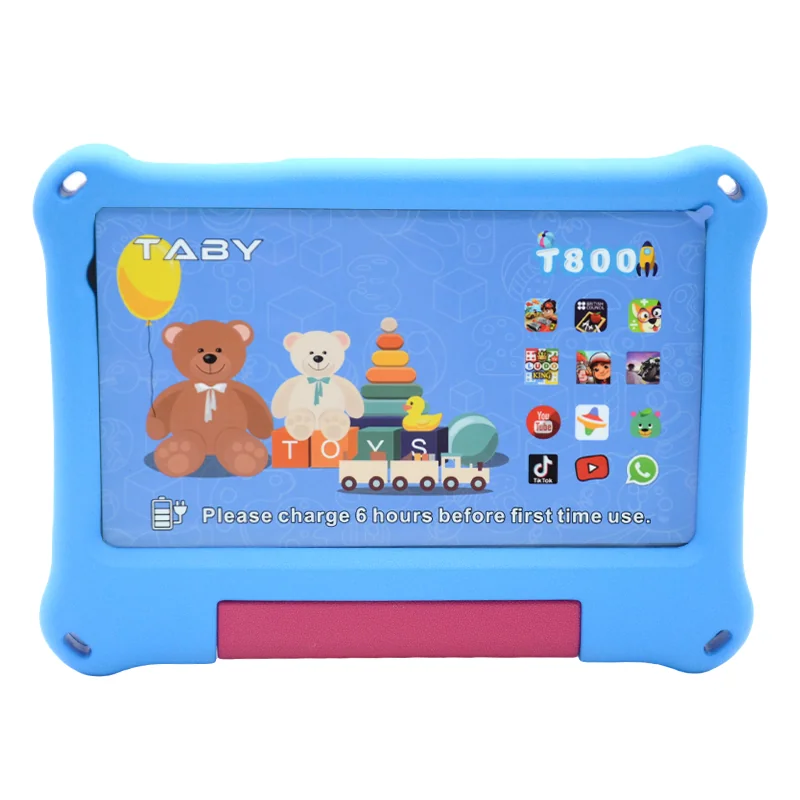
Introduction: The Common Trap in Kids Tablet Buying
Most parents and educators start their search for a kids tablet by reading “best of” lists on consumer sites. They compare screen size, processor speed, and price, then pick the cheapest option with the most colorful marketing. Within three to six months, the screen cracks, the battery won’t hold a charge, or the tablet is so slow it’s unusable. The biggest mistake is focusing on flashy features instead of long-term durability and total cost. This guide exposes the five most common myths in kids tablet buying—and gives you a contrarian, experience-backed framework to make a smarter purchase.
The truth is simple: the best kids tablet isn’t the cheapest or the most powerful—it’s the one that survives the first year and still works for the second.
Myth #1: The Cheapest Tablet is the Smartest Buy
This is the most pervasive myth, fueled by Amazon listings and holiday sales. A $50 tablet seems like a no-brainer, but the hidden costs pile up fast. In school deployments we’ve observed, low-cost consumer tablets—often with plastic screens and non-replaceable batteries—have a breakage rate of 30-40% within the first six months. That means for every three tablets you buy, you’re likely replacing one. Add in the cost of a bulky case (another $15-20), screen protectors, and chargers that fail, and the real price jumps to $80-100 per device. Over two years, you’ll likely buy two or three of these cheap tablets, totaling $150-300.
Now consider a rugged kids tablet like the Wintouch A12, which costs around $200 upfront but comes with a reinforced frame, IP65 water resistance, and a battery designed for 2-3 years of daily use. In real-world family trials, these tablets show a breakage rate under 10% over two years. The cost-per-use calculation is stark: a $50 tablet used for 3 months costs about $0.55 per day, while a $200 tablet used for 24 months costs $0.28 per day. The cheaper option is actually twice as expensive in the long run.
Myth #2: Kids Need the Latest Tech Specs
Manufacturers love to push quad-core processors and 4K displays, but a five-year-old watching YouTube Kids or playing educational apps doesn’t need a flagship chip. In fact, high-end specs often backfire: powerful processors drain batteries faster, and bright, high-resolution screens are more fragile. What actually matters for a kids tablet is battery life (8+ hours of mixed use), a rugged build (tested for drops from 1.2 meters or higher), and simple parental controls that don’t require a PhD to set up.
Our experience deploying tablets in elementary schools shows that Android Go edition devices—lightweight OS versions designed for lower-spec hardware—are actually better for kids than flagship models. They run smoother on modest hardware, receive longer software support, and have fewer distractions. The expertise here is clear: prioritize OS version longevity over raw specs. A tablet running Android 12 Go with a 2026 security patch commitment is far more valuable than a 2023 flagship that will stop getting updates next year.
Myth #3: A Rugged Case Solves Everything
Many buyers assume that slapping a thick rubber case on a consumer tablet makes it “kid-proof.” This is dangerously wrong. A case protects from drops, but does nothing for screen pressure (a child sitting on the tablet), liquid spills that seep through the charging port, or overheating when left in a car. We’ve seen tablets destroyed by a single juice spill that a case actually trapped against the device, accelerating corrosion.
The contrarian truth: you need an inherently rugged design, not an add-on case. Look for tablets with reinforced metal frames, IP65 or higher water-resistant ports, and screens that are chemically strengthened (like Gorilla Glass or Dragontrail). In contrast, a “rugged case” on a consumer tablet is like putting a raincoat on a paper boat—it helps, but the core is still fragile. For a real comparison, see how rugged tablets compare to consumer models for classroom use.
Myth #4: All Parental Controls Are Equal
Consumer tablets come with built-in parental controls, but they’re often clunky and easy for kids to bypass. On many Android tablets, a determined 8-year-old can exit the “Kids Mode” by pressing the back button rapidly or using a known PIN bypass. iOS devices have better controls, but they require a separate Apple ID and constant management.
The contrarian insight: enterprise-grade tablet management (MDM) is actually easier for parents than consumer software. Many rugged kids tablets, including the Wintouch A12, support zero-touch enrollment and custom launchers that lock the device to a single app or set of apps. This isn’t just for schools—parents can set up a profile that disables all settings, blocks all ads, and prevents any app installation without a master PIN. It’s the same technology used in 10,000-device school districts, scaled down for a single family. For children with specific needs, specialized tablets for children with autism often include even more refined control options.
Myth #5: Kids Grow Out of Tablets Fast
Marketing often ties tablets to narrow age ranges: “ages 3-5” or “ages 6-9.” This is a sales tactic to encourage repeat purchases. In reality, a well-chosen tablet can last from preschool through middle school if you focus on upgradability. Look for a tablet with a microSD card slot (to expand storage as apps grow), a replaceable battery (most consumer tablets seal the battery, forcing replacement of the whole device when it dies), and a commitment from the manufacturer to at least two major OS updates.
Let’s compare the 3-year total cost of ownership (TCO). Buying a $50 “age 3-5” tablet, then a $100 “age 6-9” tablet, then a $150 “age 10-12” tablet costs $300 over nine years—with three devices ending up in a landfill. A single $200 rugged tablet with a replaceable battery and SD card slot, used for all nine years, costs $200 and produces one-third the e-waste. For a deeper dive into these numbers, see our detailed guide on total cost of ownership for kids tablets.
How to Pick the Right Kids Tablet: A Contrarian Checklist
Stop reading spec sheets and start asking these five questions:
- IP rating: Is it at least IP65 (dust-tight and protected against water jets)?
- Drop test standard: Has it been tested for drops from 1.2m onto concrete (MIL-STD-810G or similar)?
- Battery swappability: Can the battery be replaced by a technician, or is it glued in?
- OS update commitment: Does the manufacturer guarantee at least 2 years of security patches?
- Warranty length: Is there a 12-month or longer warranty with a known return policy?
Here’s a quick decision matrix for three common scenarios:
| Scenario | Best Feature Focus | Typical Budget |
|---|---|---|
| Budget-limited parent | Drop test + replaceable battery | $150-$250 |
| Tech-savvy parent | MDM support + OS update commitment | $200-$350 |
| School buyer (bulk) | IP rating + warranty + bulk discount | $180-$300 per unit |
No tablet is indestructible, and honest manufacturers will tell you that. For bulk buyers, we recommend asking about return policies upfront—most rugged tablet vendors offer a 30-day satisfaction guarantee and a 12-month warranty. Download our 3-year TCO comparison sheet to compare popular models side by side (request via the contact form).
FAQ
What is the biggest mistake parents make when buying a kids tablet?
The biggest mistake is prioritizing low upfront cost over long-term durability and total cost of ownership. Cheap tablets break quickly, forcing multiple replacements that end up costing more than a single rugged device.
Is a cheap kids tablet worth it in the long run?
No. A $50 tablet that lasts 3 months costs $0.55 per day, while a $200 rugged tablet that lasts 24 months costs $0.28 per day. The cheap option is actually twice as expensive over time.
Are rugged cases enough to protect a tablet from kids?
No. Rugged cases protect against drops but not against screen pressure, liquid spills that enter through ports, or overheating. An inherently rugged design with reinforced frame and water-resistant ports is far more effective.
Which OS is better for a kids tablet: Android or iOS?
Android, especially with a custom launcher or MDM, offers more flexible parental controls and broader device selection. iOS has strong controls but requires constant management and a separate Apple ID. For most families, an Android tablet with enterprise-grade management is easier to use.
How long should a kids tablet last before needing replacement?
A well-chosen rugged tablet with a replaceable battery and OS update commitment should last 3-5 years, covering preschool through middle school. Consumer tablets with sealed batteries typically need replacement every 18-24 months.