The short answer: what a tablet OEM can and cannot pre-deliver
An OEM can ship tablets already assigned to your zero-touch account, with your DPC in the factory image and a kiosk policy pre-applied — but the enrolment configuration itself lives in Google’s zero-touch portal or your EMM console, not on the factory floor. The OEM supplies device identity and the image; you keep the configuration and the compliance obligation.
That boundary is where most RFQs lose money. “Zero-touch supported” on a spec sheet tells you nothing until it names the enrolment route, the reseller of record who assigns devices, and the DPC package version baked into the image. Google’s own documentation is explicit that resellers assign devices to customer accounts, after which the customer manages configurations through the zero-touch portal or an EMM provider console (Google for Developers, device provisioning overview). If your PO does not name that reseller, you have bought a promise.
One evidence caveat before the checklist: this page contains no independent benchmark data on minutes saved per device at 500+ unit scale. No public dataset we could trace quantifies that. Treat any supplier claim of “X minutes per device” as unverified until it survives your own acceptance test on the first five units.
Clause 1 — Name the enrolment route, not the feature
Require the supplier to state, per SKU, which route the device actually supports: Android zero-touch via a registered reseller, QR code provisioning, NFC bump, or OEM factory staging only. These methods coexist and can be mixed in one fleet — Google confirmed as much at launch, noting that QR code and NFC bump continue to be supported across Android alongside zero-touch and vendor programmes such as Knox Mobile Enrollment (Google, 21 September 2017).
That coexistence is exactly why the clause must pin the SKU: “we support zero-touch” and “this model is zero-touch eligible, assigned through reseller X” are different commitments with different failure costs. Ask for eligibility confirmation as of the order date, not a partner reference from an older generation. The risk if you skip this: 800 units arrive QR-only, and you absorb manual staging labour nobody budgeted for.
Clause 2 — DPC preload: what ships in the image, and can it be removed?
Specify the exact DPC package name, version and signing key your EMM vendor provides. A factory image carrying a stale or differently-signed DPC fails at first boot, and the failure appears in a store, not in a lab.
- Ask in writing whether the preloaded DPC survives a factory reset, and whether an end user can remove it. This single answer decides whether the device is a managed asset or a consumer tablet with an app on it.
- Require the supplier to state whether preload happens at image-build time or as a post-build sideload, and which QA step proves the app launches on first boot.
- Reject “MDM ready” as an answer. The clause names the DPC, the version and the QA check, or it is not a clause.
Clause 3 — IMEI/serial registration: who uploads, into whose account, by when
This is the commercial hinge of the whole document. Practitioner descriptions of the architecture frame zero-touch as a three-party arrangement between the OEM or reseller, Google’s provisioning service and your DPC — useful context, but the enforceable version is a clause with a named actor and a deadline.
Write three sub-clauses:
- Who performs the IMEI/serial upload — the OEM, the reseller of record, or your own IT team.
- Into which customer account or enterprise ID the devices are assigned, identified by name in the PO.
- By when — expressed relative to shipment (for example, “reconciliation file delivered no later than five business days before dispatch”), never “upon request”.
Add two mechanics that procurement teams forget. First, require a reconciliation file listing every IMEI/serial shipped, so your team can flag unregistered units before they reach a store. Second, define the fallback in the same clause: if a unit arrives unregistered, who pays for the rework and who owns the downtime. Without that sentence, the answer defaults to you.
Clause 4 — Device owner, profile owner and kiosk lockdown
State the provisioning mode explicitly. Fully managed device (device owner) suits shared store, logistics and POS hardware; work profile (profile owner) fits cases adjacent to BYOD. The two produce very different lockdown behaviour, and a supplier who does not ask which one you need is guessing.
- Require a written statement on the factory reset protection state of shipped units and who can clear it.
- If kiosk mode is required, specify whether lockdown is enforced through OEMConfig, your DPC, or a supplier custom layer — and get the policy surface documented so your EMM can drive it.
- Ask what the device does when the DPC fails to apply at first boot. Falling back to an open, unmanaged home screen is the failure mode that surfaces in field audits, not in acceptance testing.
- If the fleet takes card payments on the device, provisioning and payment certification are separate tracks — see our Android POS MPoC certification OEM document checklist for the documents to request alongside this one.
Clause 5 — OS baseline, security patch cadence and AER status
Pin the shipping Android version and security patch level in the PO, plus the supplier’s written update policy for the device’s service life — a stated cadence with an owner, not “regular updates”. If your shortlist requires Android Enterprise Recommended, treat AER status as per-model and per-generation: ask for written confirmation on the exact SKU and verify it against Google’s published device list yourself rather than accepting a logo on a slide.
Require notification of any BSP or end-of-life change during the contract term, and the migration path offered if the SKU is discontinued mid-fleet. For EU deployments, the security-update and documentation expectations that sit around the Cyber Resilience Act belong in the same conversation — our CRA tablet procurement SBOM and EN 18031 checklist sets out the artefacts to request. This page does not assert local legal duties for your deployment country; confirm those with your own counsel.
Clause 6 — RMA and replacement devices: the clause most OEMs leave blank
A replacement unit that ships unregistered converts every RMA into a manual setup ticket at the store counter. Specify that replacements arrive pre-registered to the same zero-touch account, with the same DPC and the same configuration applied.
- Name who deprovisions the failed unit, and confirm whether a returned device retains enterprise assignment that could complicate refurbishment or resale.
- Set a service level for re-registering replacement IMEIs/serials, and define the process for swaps that happen outside business hours.
- Ask the supplier to describe in writing the factory reset → first boot → enrolment sequence on a replacement, so your service desk script matches reality rather than assumption.
RFQ clause table: seven lines to paste into your PO
| Clause | What you require | Acceptable evidence | If unevidenced, ask instead |
|---|---|---|---|
| Enrolment route | Route named per SKU: zero-touch via named reseller, QR, NFC, or factory staging only | Written SKU-level confirmation dated at order | “Confirm in writing which route this model supports today” |
| DPC package | Package name, version, signing key, build-stage preload, QA check at first boot | Image manifest plus first-boot QA record | “State whether the DPC is removable by an end user” |
| IMEI registration | Named uploader, named target account, deadline relative to shipment | Reconciliation file before dispatch | “Who bears rework if a unit arrives unclaimed?” |
| Provisioning mode | Device owner vs profile owner stated; FRP state disclosed | Policy configuration applied on test units | “Document the fallback if the DPC fails at first boot” |
| Kiosk / OEMConfig | Enforcement layer named; policy surface documented for your EMM | Configuration guide or API reference | “Provide the policy keys your layer exposes” |
| OS & patches | Shipping version, patch level, update cadence, EOL notification | Written lifecycle statement per SKU | “Confirm AER status for this exact model and generation” |
| RMA re-enrolment | Replacements pre-registered; deprovisioning owner; re-registration SLA | Documented swap workflow | “Walk us through a replacement’s first boot in writing” |
Acceptance test: what to verify on the first 5 units before the full run ships
Run this as a numbered path and record the outcome of each step. The recording doubles as the first-boot walkthrough your service desk and store trainers will need anyway.
- Unbox and power on with no manual intervention beyond network connection.
- Connect to the production network your sites actually use — including a captive-portal Wi-Fi. Google’s IT admin guidance specifically notes the device needs a working data connection to Google servers during setup (Android Enterprise Help). Captive portals are where first-boot enrolment quietly fails.
- Confirm the device checks in against your enterprise configuration and downloads the correct DPC.
- Confirm the assigned configuration applied — not the account default. A wrong configuration that still enrols passes a casual test and fails an audit.
- Confirm device owner is actually set and the kiosk policy holds after a reboot and after a factory reset.
- Log the failure signature for anything that breaks: device online but unclaimed, wrong configuration applied, DPC absent from the image, device owner not applied. Send the supplier a defect report, not a complaint.
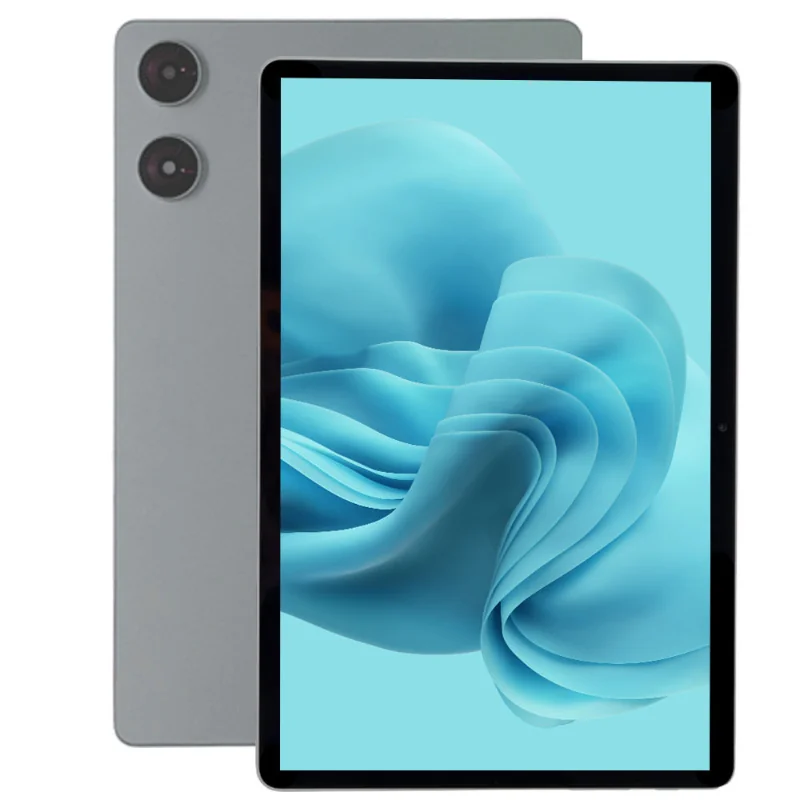
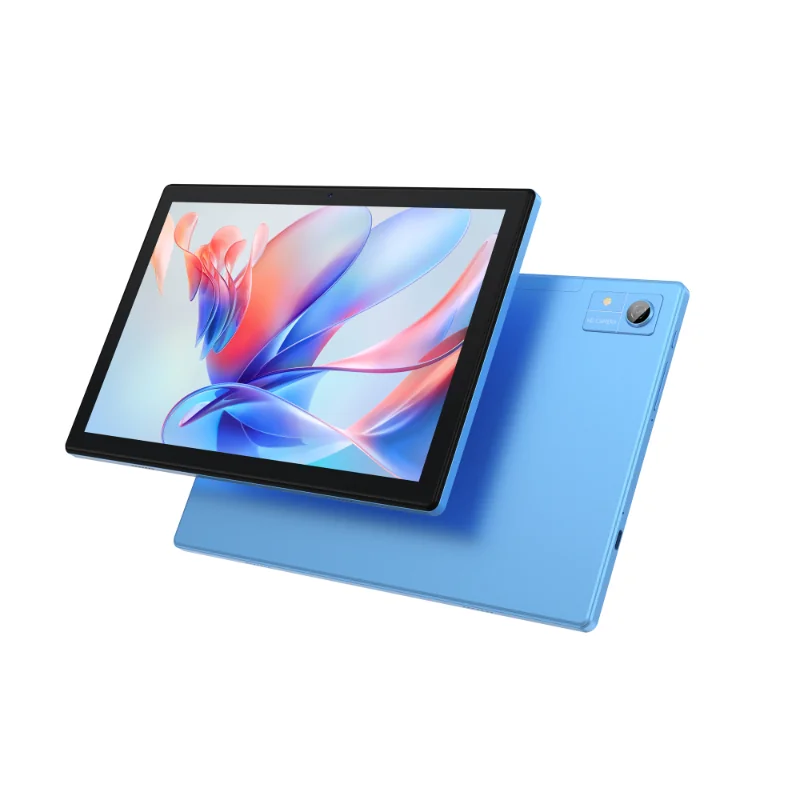
A five-unit pass is not a fleet guarantee. Ask for the supplier’s pre-shipment QA record per batch and spot-check it against the reconciliation file. When you shortlist hardware, separate the published spec from the provisioning commitment — for example the Snapdragon 685 11.97-inch business tablet or the T616 10.51-inch business tablet pages describe the device; only a signed SKU-level statement describes the pre-provisioning.
Questions buyers keep asking
Does Android zero-touch enrollment require a reseller, or can the OEM register devices directly?
Google’s developer documentation describes resellers assigning devices to customer accounts, with the customer then managing configurations through the zero-touch portal or an EMM console. Whether your specific OEM acts as, or works through, a registered reseller is a contractual question — get the entity named in the PO.
Can an end user remove a factory-preloaded DPC from the tablet?
That depends on provisioning mode, the DPC’s own protections and the factory reset protection state. Do not assume the answer from a brochure: require it in writing, then verify it on a test unit by attempting removal.
What happens to zero-touch enrollment when a device is replaced under RMA or factory reset?
A factory reset returns the device to first boot, where it checks for an assigned configuration. What matters commercially is whether the replacement unit’s IMEI/serial was registered to your account before it shipped. Make that an obligation with a deadline and a named owner.
Can we mix zero-touch with QR code or NFC provisioning in the same fleet?
Yes — Google has stated that enrolment methods can be mixed to suit your needs. The practical constraint is documentation: your field team needs one decision tree per device batch, so require the supplier to label each shipped batch with its enrolment route.
What to send us to get a pre-provisioning spec sheet
Send the inputs, not a general enquiry: device count and rollout timeline, EMM/DPC vendor and version, deployment region, required enrolment route, kiosk or lockdown requirement, and expected RMA volume. What comes back is a SKU-level pre-provisioning spec sheet plus a sample pre-configuration questionnaire — not a generic datasheet.
Request a zero-touch / MDM pre-provisioning spec sheet and sample pre-configuration questionnaire. If you are still comparing hardware, start from the T606 10.36-inch business tablet as a reference point for the SKU-level documentation we return, then tell us which clauses from the table above you need signed.