
Migrating POS from Windows to Android: 2026–2027 Roadmap
Your Windows POS fleet still runs your checkout — that used to be enough. In the 2026–2027 buying window it becomes a cost and compliance question: Microsoft has ended Windows 10 support, EU and US regulations attach liability to unsupported hardware, and your total cost of ownership now depends on who controls the security-patch roadmap. Most migration guides stop at “check your apps.” This roadmap focuses on the decisions that actually break budgets — compliance deadlines, TCO modelling, and peripheral compatibility — and how to de-risk them before you commit a single store.
Windows-to-Android POS migration in 2026–2027 means replacing end-of-support Windows terminals with monthly-patched Android enterprise tablets managed through zero-touch MDM, executed in four phases (audit, pilot, wave deployment, and optimization). The decision is won or lost on two points — peripheral compatibility with your printers and scanners, and a written multi-year TCO model built on your own quotes.
Why migrate now: TCO and compliance drivers
Where generic guides start with software, this one starts with the calendar. The migration clock started on October 14, 2025, when Microsoft retired Windows 10. After that date, security patches flow exclusively through the paid Extended Security Updates (ESU) program — and that cost rises each year before it expires. An OS with an expiring patch window is not a maintenance nuisance; it is a documented liability on your compliance paperwork and your insurance renewal.
For EU-market operators, the EU General Product Safety Regulation (Regulation (EU) 2023/988), in force since 13 December 2024, requires every product placed on the market to have a traceable supply chain and an EU-based responsible economic operator. A terminal running an unsupported OS — from a vendor that cannot document that chain — becomes your exposure, not the manufacturer’s. On the US side, PCI DSS v4.0, the only active version since 31 March 2024, requires documented control over payment endpoints; an unpatched endpoint is a finding your QSA will record at the next assessment.
Android Enterprise — Google’s device management program — aligns with that paperwork. Enterprise-class Android tablets receive a monthly Security Patch Level (SPL), are signed into your MDM via zero-touch provisioning, and can be purchased with a contractually documented security-update commitment. That alignment between patching cadence and compliance documentation is the real driver for 2026 — not the slogan “Android is cheaper.”
Which TCO numbers should you trust? None that you haven’t priced yourself. Industry trackers like Statista report Android’s rising share of POS terminal shipments, and Microsoft’s licensing tables show Windows/ESU spend climbing — but the decision belongs in a three-year model you build on your own quotes: hardware purchase ÷ refresh cycle, Windows licensing and ESU, MDM subscription, peripheral replacement, and one-time PCI DSS re-validation. In our OEM work with retail chains, the savings typically come from removing licensing, extending the refresh cycle, and shrinking downtime — but we recommend you demand a written three-year TCO model from every vendor you shortlist.
Windows vs Android POS: five decisions that change the outcome
Competitor guides weigh app compatibility; these five decision points determine whether your rollout lands on time and on budget:
| Decision point | Windows POS | Android POS |
|---|---|---|
| 1. OS support roadmap | Retired Oct 2025; paid ESU with an expiry date | Monthly Security Patch Level; update window guaranteed in the purchase contract |
| 2. Security & compliance | Patching stops; GPSR and PCI DSS exposure grows | Patch cadence supports GPSR and PCI DSS evidence; MDM-enforced policy |
| 3. Peripheral compatibility | Mature OPOS / JavaPOS driver stack | ESC/POS over USB or network; middleware often needed for legacy printers and scanners |
| 4. Fleet management | Third-party RMM required | Native Android Enterprise: zero-touch provisioning, remote wipe, app lock |
| 5. App ecosystem | Aging desktop apps, thin forward path | Cloud / HTML5 POS increasingly Android-first |
Two rows deserve emphasis. Peripheral compatibility is where migrations stall: Windows talks to cash drawers and receipt printers through the OPOS / JavaPOS driver layers; Android talks through ESC/POS and vendor SDKs. Most current devices from Epson, Star Micronics and Zebra have Android drivers — but older units do not. Your pilot must therefore run the exact peripherals from your loudest store, not the manufacturer’s compatibility list. Fleet management is Android’s structural advantage: zero-touch provisioning signs devices into your MDM before they leave the box, and containerized work profiles isolate card data from guest apps — an architecture that simplifies PCI DSS evidence.
Step-by-step migration roadmap: 2026–2027
Treat this as a compliance-controlled rollout, not an IT project. A realistic multi-store program runs around 12–18 months:
- Phase 1 — Audit (Q1 2026). Inventory every terminal, OS version, peripheral model, and software dependency. Identify which legacy devices have no Android driver — this doubles as your replacement budget.
- Phase 2 — Pilot (Q2 2026). Deploy 10–20 units in one store. Test checkout, returns and inventory; validate every peripheral; run live payment transactions; and collect PCI DSS evidence. Freeze the “golden build” — OS version, MDM profile, app set.
- Phase 3 — Wave deployment (Q3 2026–Q1 2027). Roll out to roughly 20–30% of stores per quarter with a defined rollback plan. Do not expand until the pilot’s open issues are closed.
- Phase 4 — Optimize (Q2 2027). Train staff, monitor via MDM, update SOPs, retire legacy hardware, and schedule the PCI DSS re-assessment.
Build a contingency buffer for the three things that slip schedules: legacy software dependencies, peripheral driver gaps, and PCI DSS re-certification timing.
De-risking: peripherals, data, and MDM
Be honest about compatibility. Not every legacy peripheral has an Android driver — and anyone who tells you otherwise hasn’t completed a migration. The de-risking work is deliberate and testable:
- Peripheral test matrix: receipt printers (ESC/POS), cash drawers, barcode scanners, customer displays — tested in a real checkout flow, on the exact models you deploy.
- Data migration: transactions, inventory and customer records move via APIs into your ERP and accounting stack; define the cutover window before wave one.
- MDM setup: zero-touch provisioning with Wi-Fi, VPN, app-lock and remote-wipe policies, with the payment environment isolated in a work profile.
- Compliance paperwork: document GPSR traceability (EU responsible operator, supply chain) and PCI DSS control evidence before go-live, not after.
The trustworthiness test for any vendor: will they put the compatibility list and the security-update commitment in writing, and will they fund a sample-unit pilot? If the answer is no, keep looking.
Choosing the right Android hardware for your POS fleet
Qualify hardware on five criteria: ruggedness (IP54 or higher), battery life that covers a full shift, Wi-Fi 6 with optional 5G, a current Snapdragon 6-series (or better) processor, and a 3+ year warranty with dedicated enterprise support. The deeper procurement question is the OEM/ODM relationship itself — who commits in writing to the security-update window, the GPSR responsible-operator documentation, and spare-part availability. Our sourcing guide explains that decision in detail: Android Tablet OEM vs ODM: Sourcing Guide.
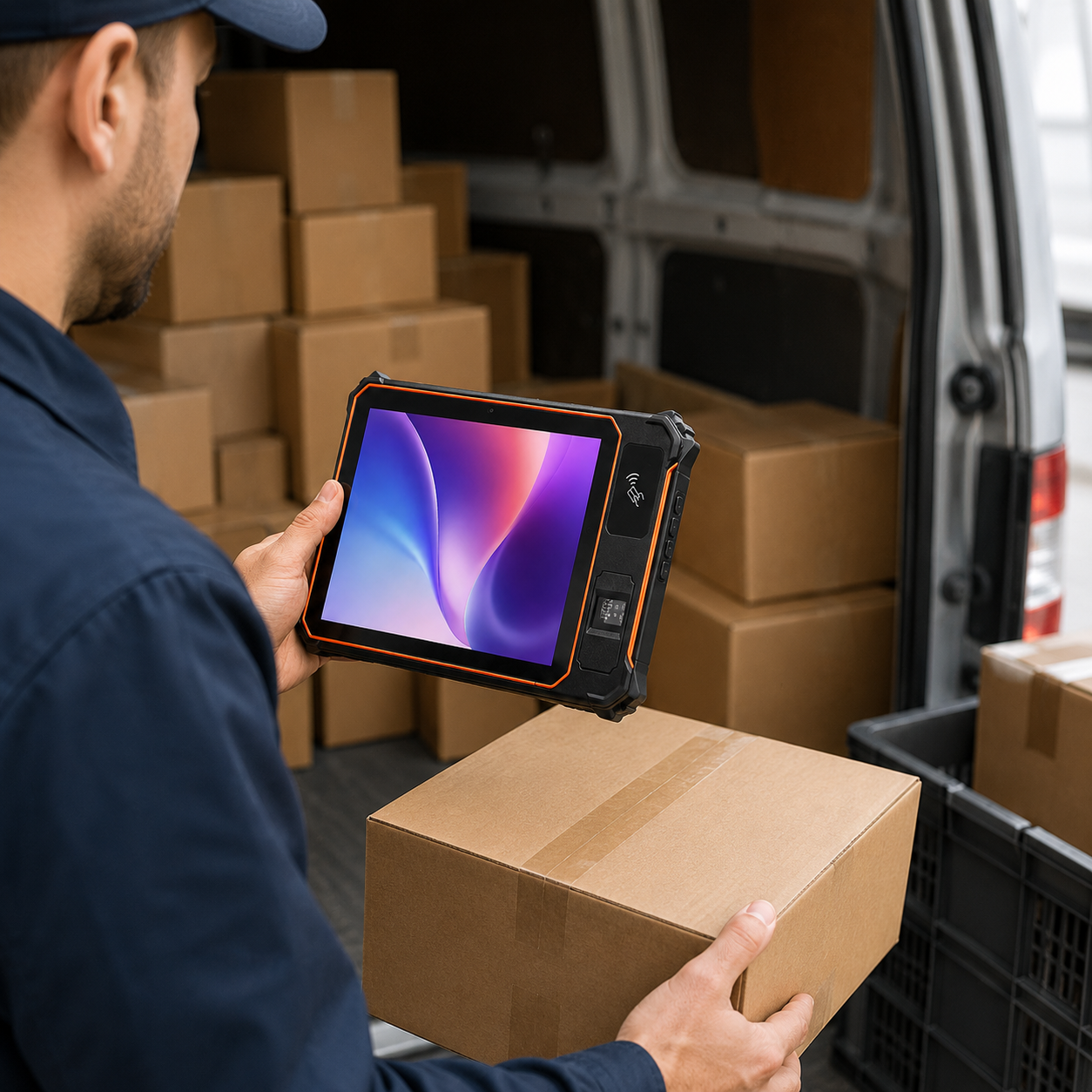
For a concrete starting point, the Wintouch Snapdragon 685 11.97-inch business tablet is built for this use class — enterprise-grade durability, current Android with a monthly security patch cadence, and availability in POS-oriented configurations (docks, magnetic-stripe readers, secondary displays). If unit cost is the constraint, the Wintouch T616 11.97-inch business tablet offers a lower hardware tier on the same management path. On Android 16: the current Android generation (15/16) continues Google’s enterprise investment — permission control and patch predictability — so qualify hardware that ships on the current generation and can update to the next, rather than a two-year-old fork.
Frequently asked questions
How long does it take to migrate a POS fleet from Windows to Android?
A multi-store fleet realistically takes 12–18 months using the four-phase plan (audit, pilot, wave rollout, optimization). The schedule driver is the pilot: 10–20 units in one store, run until every peripheral and process is validated, before waves begin.
What are the common compatibility issues when switching POS to Android?
The main issues are legacy peripherals — receipt printers, cash drawers and scanners that rely on Windows-native OPOS / JavaPOS drivers. Android uses ESC/POS and vendor SDKs, so some older units need middleware or replacement. Audit the exact models, test each one in a live checkout flow on the devices you actually plan to deploy, and budget for replacing anything that has no Android driver.
Can I keep my existing printers and scanners when moving to Android POS?
Often yes, but only for current-generation peripherals with published Android drivers (Epson, Star Micronics and Zebra largely cover this today). Older units that depend on Windows-native OPOS / JavaPOS layers usually need middleware or replacement. Validate every peripheral in the pilot before scaling waves.
Is Android POS PCI DSS compliant?
Yes — compliance is an architecture and process question, not an OS one. Android Enterprise work profiles isolate card data from guest apps, and a monthly security patch cadence gives you the documented endpoint control PCI DSS v4.0 requires. Keep your QSA in the loop during the pilot and re-assess after waves complete.
Ready to build the business case? Request our migration whitepaper and a sample-unit pilot from the Wintouch Snapdragon 685 business tablet — we’ll put the security-update commitment and the peripheral compatibility list in writing before you commit a single store.


