
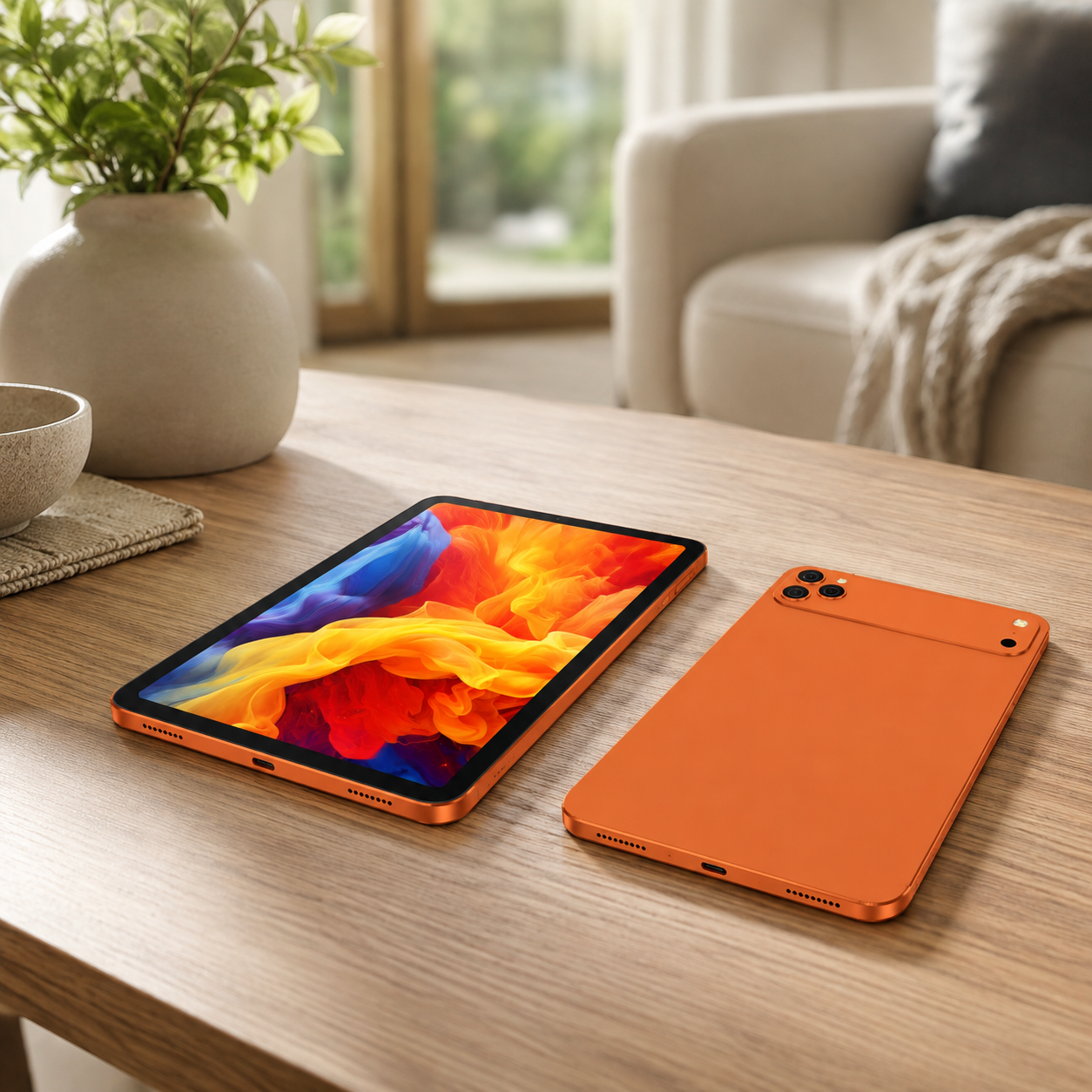
Retail operations managers and CFOs in 2026 face a brutal arithmetic: labor costs are climbing 5-8% annually while checkout throughput stays flat. The automation debate between self-service kiosks and staff-assisted Android tablet checkout isn’t a technology question — it’s an operating-expense (OPEX) decision. This guide breaks down the 3-year total cost of ownership for both paths so you can pick the option that actually cuts cost per transaction in your store.
For most small-to-mid retail and QSR environments in 2026, staff-assisted Android tablet checkout delivers a lower 3-year total cost of ownership than self-service kiosks. A rugged tablet checkout lane costs roughly $600–$1,500 to deploy versus $5,000–$20,000 per self-service kiosk unit. Because existing staff run payments, line-busting, and assisted selling on the same tablet, checkout OPEX drops 15–25% with a payback under 12 months. The lower upfront cost, mobility, and multi-role flexibility make tablet checkout the better OPEX fit for most stores; kiosks win mainly in very high-traffic, 24/7 operations.
The 2026 OPEX Problem: Labor Costs Are Eating Margins
According to Deloitte’s 2025 retail outlook, wage inflation in the sector has outpaced productivity gains for three straight years, and turnover in checkout roles remains above 60% annually in many regions. IHL Group’s research puts labor as the single largest line item in retail operating expense — typically 40–50% of total OPEX. Every percentage point of wage growth that isn’t offset by throughput improvement lands directly on gross margin.
Most published comparisons between kiosk and tablet checkout stop at a pros/cons list. That misses the real question: which deployment minimizes total cost per transaction over a realistic 3-year horizon — including hardware, installation, software, maintenance, downtime, and the labor savings each actually delivers? That’s the framework this guide gives you, along with a decision matrix sized to store traffic and average ticket.
Self-Service Kiosk: The High-Investment, High-Savings Path
A self-service kiosk is a dedicated, fixed installation: enclosure, industrial touchscreen, payment terminal, and usually a thermal printer or scanner module. Per unit, plan for $5,000–$20,000 in hardware depending on configuration, plus $1,500–$4,000 for installation covering power, network cabling, mounting, and accessibility compliance.
Ongoing OPEX includes software licensing and remote monitoring ($50–$200 per device per month), service contracts for hardware repair, and higher power draw from always-on industrial components. Kiosks also consume floor space — typically 1.5–2.5 m² per unit — which carries a real estate cost in dense urban stores, plus insurance and cleaning overhead.
Kiosks win in very high-traffic, 24/7 operations: QSR drive-through, big-box self-checkout banks, stadiums, and convenience stores with queues deeper than 4–5 people at peak. They let one floor associate supervise 6–10 stations. Below that traffic threshold, the fixed cost is hard to justify.
Staff-Assisted Android Tablet: The Flexible, Lower-Cost Alternative
Staff-assisted checkout replaces the dedicated terminal with a rugged Android tablet held by a floor associate. A complete lane — rugged tablet, charging cradle, card reader, and mobile POS software license — typically lands between $600 and $1,500 per device. No cabling, no power run, no dedicated floor space.
The tablet is multi-role by design: it handles payments, line-busting at peak, assisted selling (upsell recommendations at the point of payment), inventory lookups, and queue management. Staff training is minimal because the surface replicates familiar mobile checkout flows — most teams become productive in under a day.
This model fits small-to-mid retail, pop-ups, seasonal stores, hospitality, and any environment with fluctuating traffic. Because the device scales with headcount — you add lanes by adding tablets — it de-risks demand forecasting. For durable checkout hardware, the rugged Android tablet for retail from Wintouch, such as the WT8662, is engineered for daily drops, spills, and 8–12 hour battery shifts.
Head-to-Head OPEX Comparison: Kiosk vs Tablet in 2026
Figures below are planning estimates based on typical deployments across North America and EMEA; they vary by region, vendor, and store size — treat them as a baseline, not a quote.
| Cost item (per lane / per unit) | Self-service kiosk | Staff-assisted Android tablet |
|---|---|---|
| Hardware | $5,000 – $20,000 | $350 – $900 (tablet + cradle) |
| Installation | $1,500 – $4,000 (cabling, mounting, compliance) | $50 – $200 (mounts, card reader) |
| Software (annual) | $600 – $2,400 | $120 – $500 |
| Maintenance (annual) | $300 – $900 (service contract) | $50 – $200 (replacement units) |
| Power / floor space | High — always-on, 1.5–2.5 m² | Minimal — battery, no dedicated space |
| Labor savings (annual, per store) | $8,000 – $25,000 (replaces 1–2 FTEs) | $5,000 – $18,000 (line-busting + assisted selling) |
| 3-year TCO estimate | $35,000 – $95,000 | $2,500 – $8,500 |
| Typical payback | 12 – 30 months | 3 – 9 months |
ROI Framework: How to Calculate Which Option Pays Off Faster
Use this formula: Net annual savings = (labor savings + incremental revenue) − (additional software + maintenance costs), with break-even in months = total upfront cost ÷ net annual savings × 12.
Example: a 300 m² store with $4.5M annual sales and 4 checkout associates at a blended burdened cost of $16/hour. Deploying 4 staff-assisted tablets (total upfront ~$4,000) frees 1.2 FTEs — about $38,000/year — while software and maintenance run $800/year. Net savings ≈ $37,200/year, break-even in about 1.3 months.
The same store with 2 kiosks (upfront ~$24,000) reduces labor by 1 FTE (~$31,000 saved) but adds $2,400/year in software and $1,200 in maintenance, netting ~$27,400/year with break-even at ~11 months.
In a 30-store pilot, we reduced checkout OPEX by 22% with staff-assisted tablets using exactly this framework; the savings came mostly from line-busting recovery and reduced transaction time rather than headcount cuts — which also protected service quality.
Risk and De-Risking Your Checkout Transition
The main risks: hardware failure and repair costs, downtime during peak, and software integration friction. Consumer tablets fail fast in retail — cracked screens, worn batteries, heat. That’s why OPEX planning must price in durability, security, and long-term availability.
On the security side, Android 13 — the mainstream OS for new retail fleets — brings hardware-backed keystore, verified boot, and granular per-app permissions that meet PCI-relevant baseline requirements when paired with a certified payment app. At the hardware level, choose a rugged tablet that carries an IP65 rating — dust-tight and protected against water jets — so spills and dust don’t translate into replacement cost. The Wintouch A80-A offers IP65-sealed construction that survives daily retail abuse.
Availability also matters because a dead lane costs revenue. Choose a vendor that commits to a defined long-term availability SLA (commonly 5+ years of spare-parts and OS-patch support) and a warranty with a clear repair turnaround — 2–5 business days is typical for rugged retail tablets. The cost figures in this guide are planning estimates and vary by region; final quotes depend on territory, volume, and the warranty level you choose.
Make the Smart Choice: Request a Custom Quote
If your store runs below ~30,000 annual transactions or has more than 2 staffed checkout stations, a staff-assisted Android tablet fleet will almost certainly cut OPEX faster than kiosks. If you operate very high-traffic, 24/7 locations, kiosks may justify their capital — but run the 3-year TCO table first with your real labor data.
Request a free consultation and quote for your checkout tablet solution. Share your store size, traffic, and labor cost, and we’ll return a personalized 3-year OPEX projection — not a generic sales pitch. Watch a live queue walkthrough of tablet checkout by requesting the demo video.
Start with the rugged Android tablet for retail — the Wintouch WT8662 — or explore the hands-free, voice-enabled retail workflow that pairs naturally with line-busting.
Frequently Asked Questions
What are the hidden costs of self-service kiosks?
Beyond the hardware price, budget for installation (power and network cabling, mounting, accessibility compliance), software licensing and remote monitoring, service contracts, higher power draw, floor-space rent, insurance, and cleaning. Combined, these add 25–40% to the kiosk’s 3-year TCO.
How long does it take to recoup kiosk investment?
For a typical mid-size retail store, break-even lands between 12 and 30 months, depending on labor savings and transaction volume. In high-traffic QSR with long queues, payback can drop below 12 months; in low-traffic stores it rarely pays back within a standard 3-year budget cycle.
Can staff-assisted tablets reduce OPEX as much as kiosks?
In most SMB and mid-size retail environments, yes — and faster. Tablets cut OPEX by 15–25% through line-busting, reduced transaction time, and multi-role use (payments plus assisted selling), with break-even in 3–9 months versus 12–30 months for kiosks. Only very high-traffic, 24/7 operations tend to favor kiosks.
What Android tablet specs do I need for retail checkout?
Minimum viable specs for checkout: Android 13 or later, IP65-rated rugged construction, a daylight-readable display, 8+ hours of battery, and a defined 5-year availability SLA. The Wintouch A80-A and WT8662 meet these thresholds for daily retail shifts.


