Short answer: Restaurant self-ordering tablets are sold in three distinct form factors — tabletop units for dine-in, hand-held units for all-you-can-eat and buffet service, and wall/kiosk units for self-service ordering and payment — and the single most important sourcing decision is matching hardware to duty cycle, not to a “one tablet fits all” spec sheet. For a B2B buyer, the deciding factors are: a scratch-and-splash-proof enclosure, a screen size that fits your table layout, an Android OS with a guaranteed security-update lifecycle, GMS certification if you need Google services, and CE/RoHS compliance for EU markets. Buy a commercial-grade Android tablet from a factory that can OEM/ODM-brand it, and you get the same hardware at a fraction of the cost of a proprietary restaurant-POS terminal.
Why this buying decision is different from consumer tablet procurement
A consumer tablet is dropped into a living room. A restaurant tablet lives on a greasy table, gets wiped with sanitizer dozens of times a day, is dropped by a rushed server, and must boot, connect, and run your ordering app for a 10- to 16-hour service shift, 7 days a week. The cost of a dead unit in peak service is not the hardware price — it is the order you cannot take. That is why restaurant buyers should source on duty cycle and enclosure, not on processor benchmarks.
For distributors, restaurant chains, and POS integrators, the tablet is also a brand touchpoint. Most buyers in Europe and the US are selecting on CE/RoHS compliance, GMS certification, and Android security-update policy; buyers in Southeast Asia and the Middle East are selecting on cost per unit, MOQ, and lead time. This guide covers both lenses and ends with a concrete sourcing checklist.
Match the form factor to the service model
| Service model | Form factor | Typical screen | Duty-cycle demands |
|---|---|---|---|
| Dine-in table ordering (tabletop) | Tablet propped on a stand or docked | 10.1″ – 14″ | Constant sanitizer wipe, splash, long shift, replaceable battery or docked power |
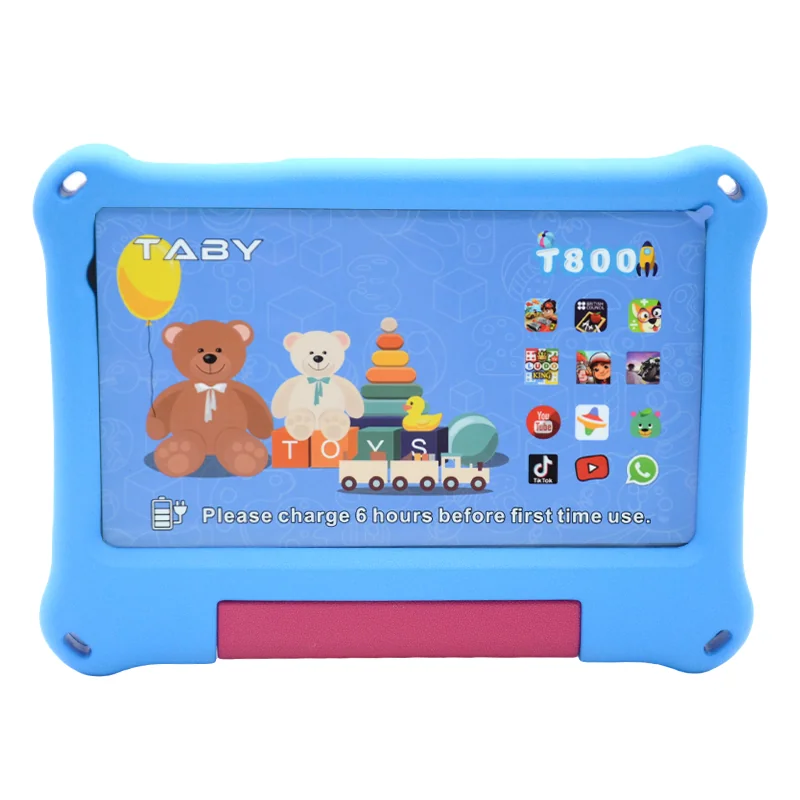
| All-you-can-eat / buffet & hot-pot | Hand-held or per-table tablet for continuous ordering | 7″ – 10.1″ | Most brutal: grease, sauce, drops, high tap volume per minute, fast recharge |
| Self-service kiosk ordering | Fixed wall/floor kiosk unit | 13.3″ – 21″ | 7×24 uptime, public interaction, lower drop risk but constant touches |
| Server handheld (order-taking) | Ruggedized hand-held | 7″ – 10.1″ | Frequent drops, need gorilla-grade glass and a protective case |
A real spec comparison: what to put in your RFQ
Do not spec a tablet the way you would spec a phone. A restaurant ordering tablet needs a different priority order:
| Spec | Why it matters in F&B | Recommended minimum |
|---|---|---|
| Enclosure / build | Grease, water and drops are the #1 cause of field failure | Commercial-grade body with rubber corners or a silicone/TPU case option; splash-rated |
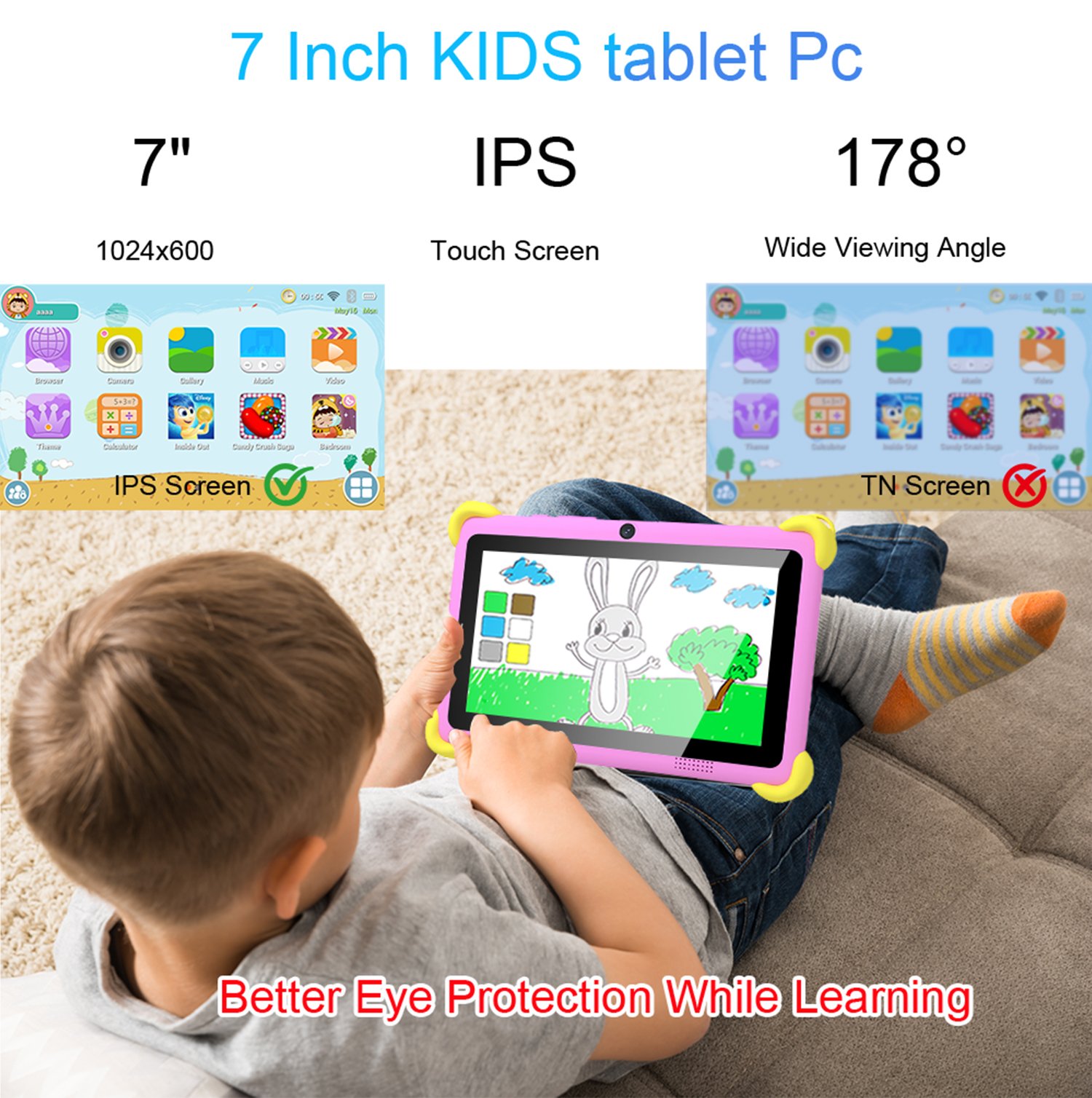
| Screen | Readable menus under bright restaurant lighting; palm smudges | IPS 10.1″ 1280×800 min; 14″ for kiosk-style menu display |
| CPU / RAM | Multi-app: ordering app + POS + payment + cloud sync | 4GB RAM min for steady multi-tasking; octa-core SoC |
| Battery | Hand-helds must survive a shift without hunting a charger | ≥6000mAh for hand-held; docked units can run on AC |
| OS & GMS | Google Play + GMS needed to run most POS/ordering apps | Android with GMS certification, current OS generation |
| Wi-Fi / 4G | Ordering apps die if the tablet drops off the network | Dual-band Wi-Fi 5 min; 4G LTE option for pop-up venues |
| Camera | QR pay / barcode scanning for menu codes and receipts | 13MP rear for scanning |
| Certifications | EU/US market entry is impossible without these | CE, RoHS; optional GMS, and factory quality certs (ISO 9001) |
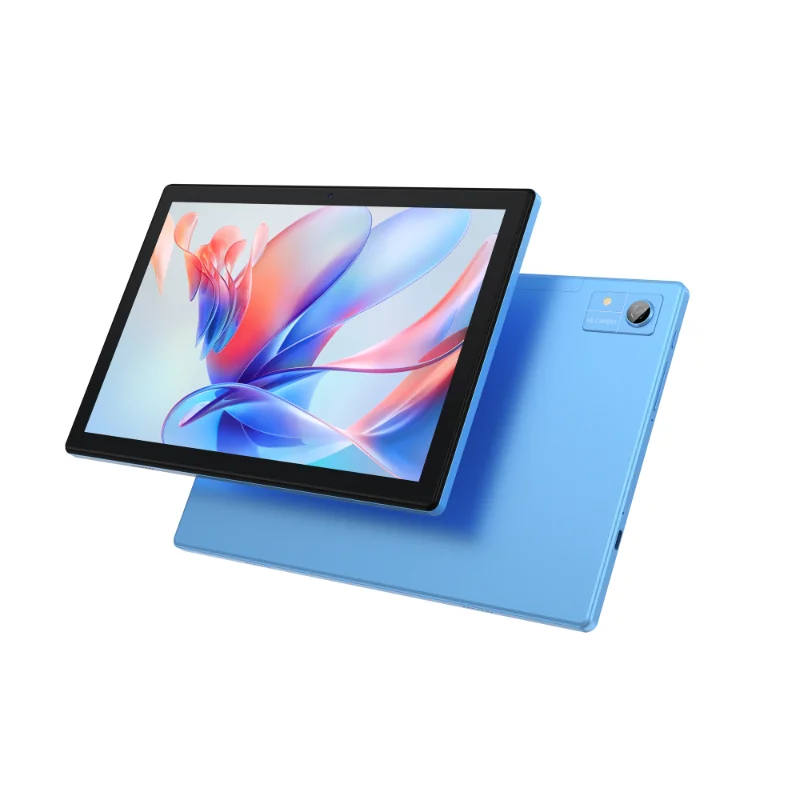
Two of our commercial models map directly to these tiers: the Wintouch A80-A (10.1″, 4+64GB, 6000mAh, Android 16, 4G LTE option) for tabletop and hand-held ordering, and the Wintouch A140 (14″, 4–12GB RAM, 10000mAh) for kiosk-style menu displays. Both ship with OEM/ODM branding options.
De-risk the order: questions a restaurant-tablet buyer must ask the factory
Buying from a Chinese OEM/ODM tablet factory is cheap only if the unit survives a real F&B duty cycle. Ask these five questions before you sign:
- What is the Android security-update lifecycle? A restaurant POS runs for 3–5 years. Confirm the OS generation and the update policy — see our Android 16 & GMS OS lifecycle checklist.
- Is GMS certified? If your ordering/POS app is a Google-Play app, a non-GMS tablet is a dead end.
- What drop/splash testing did the enclosure pass? Get the actual test data, not a marketing claim.
- What is the real MOQ and lead time for OEM branding? Your color, logo, and preloaded app all add lead time.
- Can they preload your ordering app and lock it to kiosk mode? Factory-level image customization removes a whole layer of on-site IT work.
For the full OEM/ODM negotiation playbook, see 5 Questions to Ask a Tablet Factory Before You Sign an OEM/ODM Order, and for the broader POS angle, Tablet POS Systems 2026.
Next step: get a spec-matched sample before you commit
Restaurant tablet buying is a hardware decision you have to touch before you scale. Request a quote or a sample unit from our factory team — tell us your service model (tabletop, all-you-can-eat, or kiosk), your target market, and your MOQ, and we will match you to a commercial-grade Android tablet with the right screen, battery, and GMS/compliance profile, including OEM/ODM branding.
Request a quote or sample for your restaurant ordering project →