
The short answer: Google’s developer verification targets apps installed on certified Android devices — including apps that never touch Google Play — but it is not a single global switch. Per Google’s own Android Developers Blog rollout post, apps must be registered by verified developers to be installed and updated on certified devices in Brazil, Indonesia, Singapore and Thailand from 30 September 2026, with global rollout in 2027 and beyond. No EU or US enforcement date is published in that post. For a fleet buyer, that means the practical question is not “when is the deadline” but “which of my install paths depends on an unverified developer, and can my OEM and EMM prove the path still works?”
That is why verification belongs in your procurement gate, not in your risk register. Every APK in the fleet sits on one of five install paths, and each path carries a different exposure. The matrix below is the audit you should complete before signing a fleet order — because the answer determines which tablet model, which enrollment type and which EMM contract terms you actually need.
First, separate the three things buyers keep conflating
Most announcement coverage blurs three distinct controls, which is exactly how procurement teams end up with wrong assumptions:
- Developer identity verification confirms who published the app. Independent coverage describes it as an identity check comparable to an ID inspection — it does not review what the app does.
- App registration ties a package name and signing key to that verified developer. This is where signing-key ownership becomes a commercial issue, not a technical footnote.
- Play Protect scanning is content-level malware detection and runs independently of verification. An app can pass verification and still be flagged, blocked or warned about by Play Protect on the device.
A fourth item is often quoted as fact but is currently publisher analysis: Jason Bayton’s enterprise write-up reports an extension under which apps from Google Play installed on fully managed devices or within work profiles can continue to install without developer verification until September 2027. Treat that as a lead to confirm in writing with Google and your EMM — not as a settled exemption for your fleet, and not as cover for APKs that arrive by MDM push or manual sideload.
Install-path audit matrix: what to ask, what to demand
| Install path | What verification changes | Ask the vendor / EMM | Evidence to demand in writing |
|---|---|---|---|
| Managed Google Play private app | Lowest structural risk: your organization controls the publishing account, so it can complete verification and register the package name and signing key. | Do we own the Play Console developer account for this app? Who holds the signing key? Who is the legal entity that will verify? | Account ownership record, package name and signing certificate fingerprint, named owner for renewal. |
| EMM / MDM direct APK push | Verification applies to the app regardless of who pushes it; the MDM is a delivery mechanism, not an exemption. | Exactly which install flow does your console use — managed Google Play, direct APK install, OEM store or staging? | Written statement of the install flow per app; EMM documentation version; escalation contact. |
| Manual sideloading (USB, file transfer, download) | Highest exposure. Google’s rollout post states unregistered apps can still be sideloaded with ADB or an “advanced flow” in the first rollout markets — a documented transitional behaviour, not a permanent global workaround. | Which APKs in the fleet depend on this path today? Can each be migrated? | Per-app migration plan with dates; confirmation that no production workflow depends on an undocumented bypass. |
| Kiosk / dedicated device apps | Exposure depends on enrollment state: fully managed device, work profile, or neither. Kiosk mode does not change verification scope. | Which enrollment type is provisioned, and does the kiosk launcher survive an app update failure? | Pilot test log: install, update, failure, reboot, factory reset and re-provisioning steps. |
| OEM preload / system app | Depends on the build and how the app is signed and staged — this is the path buyers most often leave undocumented. | Is the app in the system image or staged post-provisioning? How is it signed, and who owns that key? | Model-level GMS certification evidence, build number, provisioning assumptions for your MDM. |
Checklist 1 — Inventory every APK by source, signing key and install path
Before any commercial conversation, produce a single table with these columns for every app in the fleet: APK name, business owner, package name, signing-key owner, distribution source, install path, device group, current Android baseline. Include internal line-of-business apps, warehouse scanning tools, field-service apps, kiosk launchers and anything a regional team installed locally “just to get it working.”
Mark every unknown as an open item rather than an assumption. The deliverable is not a clean table — it is a ranked list of APKs that depend on raw sideloading, because those are the ones that will force a decision during your next hardware renewal.
Checklist 2 — Split private apps from MDM push from raw sideloading
These three are treated as interchangeable in most internal documentation and are not interchangeable in practice. For private apps, confirm your organization controls the publishing account and can complete verification and app registration. For MDM push, refuse “the MDM handles it” as an answer and require the specific install flow in writing. For raw sideloading, record it as a risk item with a migration owner.
If an internal app’s developer entity cannot verify — a contractor, a dissolved vendor, an acquired product line — treat that as a resourcing problem with a deadline, not a technical curiosity. Ownership of the signing key is the item that most often blocks remediation.
Checklist 3 — Confirm device certification and OEM provisioning assumptions
Require GMS certification evidence for the exact tablet model and build you intend to buy, not a brand-level assurance. Record Android version, security-patch policy and the update commitment, but do not assume a newer Android version alone settles whether verification applies — the control is tied to developer registration, not to an OS baseline.
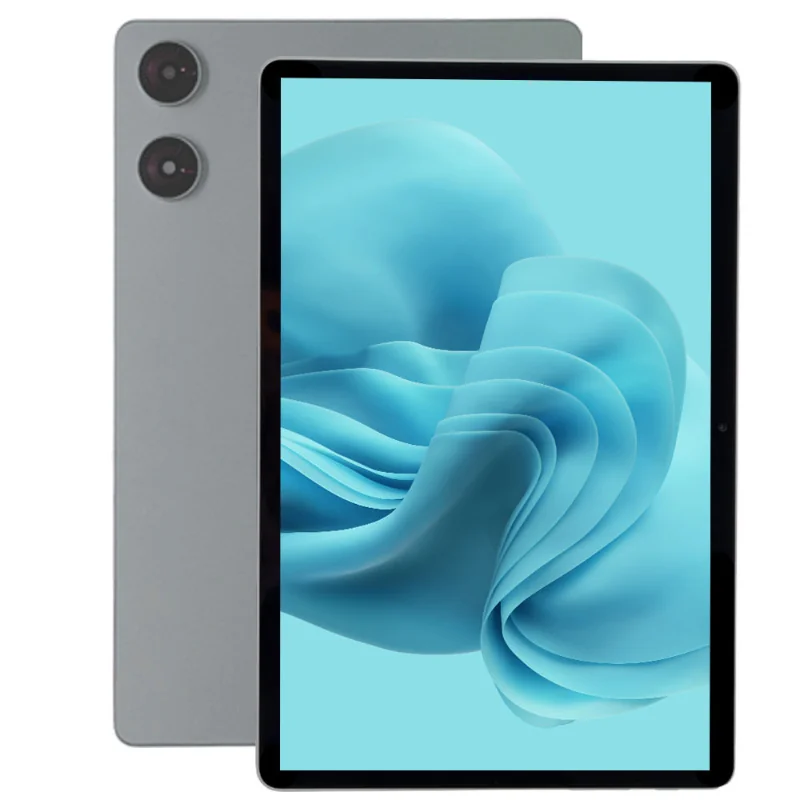
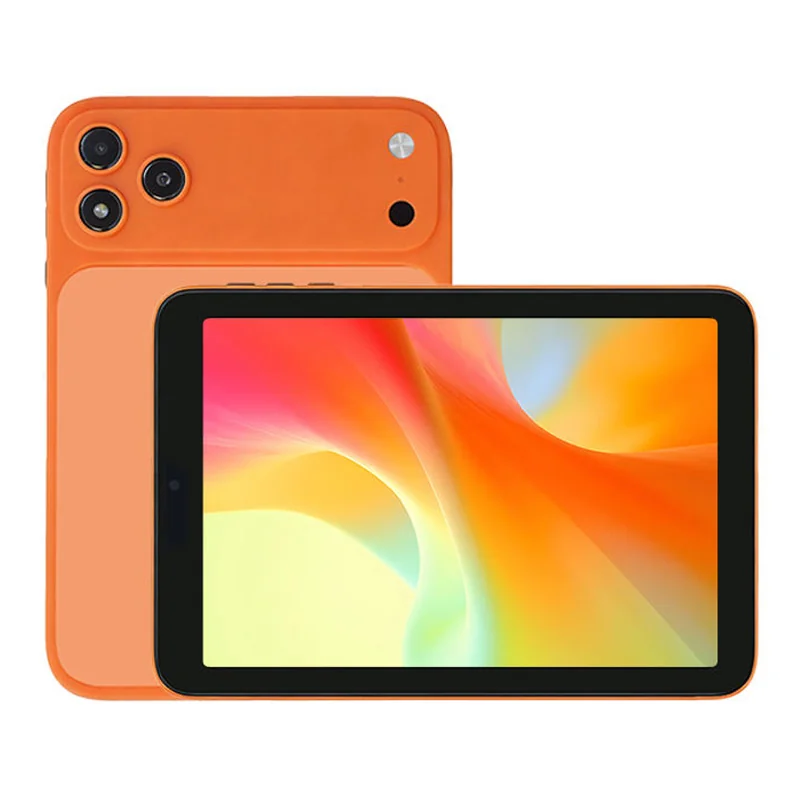
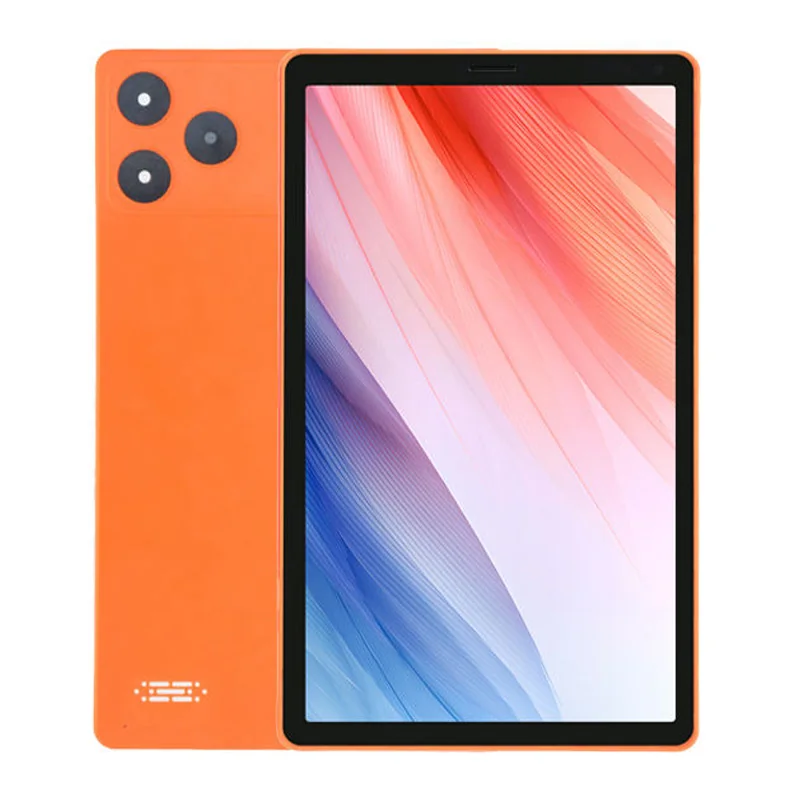
Then ask how zero-touch enrollment, QR provisioning, OEMConfig and factory preloads interact with managed Google Play in your specific EMM. This is where model selection becomes a compliance decision: business tablets positioned for enterprise fleets, such as the Wintouch T616 11.97-inch business tablet or the Snapdragon 685 11.97-inch model, should be evaluated on documented provisioning behaviour rather than on spec sheets alone. Smaller-format fleets used in retail and logistics follow the same test, for example the T606 10.36-inch business tablet.
Checklist 4 — Test Play Protect, kiosk behaviour and recovery on pilot hardware
Pilot testing is the only place where the interaction between verification, Play Protect and your kiosk configuration becomes visible. Test at minimum: one private app, one MDM-pushed app and one sideloaded app, on a pilot device group enrolled the same way as production.
- Install and update each app; record Play Protect prompts, scan results and any blocked install.
- Force an app update failure and document what the user sees in kiosk mode.
- Reboot, then factory reset and re-provision; record the exact steps that restore the kiosk to a working state.
- Log model, build, EMM version, app version, result and owner with a date.
Label these results as your pilot evidence. They are not Google certification and they do not transfer to a different model, build or EMM version.
Checklist 5 — Put OEM and EMM commitments in the purchase documents
Verbal assurances do not survive a personnel change. Require, in the purchase documents or the technical annex: GMS certification for the specific model and build; supported enrollment methods; the exact APK install paths the OEM supports; who owns APK signing keys and how rotation is handled; OS and security-patch obligations; escalation contact; pilot-unit support; and warranty terms. Where the fleet falls under EU rules as well, align this with your wider timeline planning — the overview of EU tablet compliance deadlines for CRA, battery and AI Act requirements is a useful companion when compliance evidence is being collected from the same supplier.
Checklist 6 — Define pass/fail and document fallbacks before rollout
Set pass criteria in advance: the app installs and updates under your region’s published rollout timing, the kiosk recovers after reboot, the MDM reports compliant, and the user can complete the primary task. Then document fallbacks — republishing as a managed Google Play private app, completing verified developer registration, staged replacement of the affected APK, or a documented ADB/advanced flow only where Google’s own documentation states it applies to your market and period.
Do not present any fallback as guaranteed. Confirm each one with Google’s documentation, your EMM and the OEM for the actual device build. If your fleet includes payment or field-payment workflows, combine this audit with the SoftPOS PCI MPoC compliance checklist for Android tablets, since payment apps carry their own attestation and update requirements on top of distribution rules.
On the malware statistics you will read elsewhere
Google’s rollout post states its analysis found over 90 times more malware from sideloaded sources than on Google Play; earlier coverage of the same announcement cites a figure above 50 times. Both are Google’s own research, and neither is a measurement of your fleet. Bayton’s enterprise analysis offers the counterweight: a rate of roughly 0.009% potentially harmful app installs for EMM-enrolled devices using managed Google Play, attributed to the 2024 Android Security Paper. The honest reading is that distribution path — not tablet brand — drives most of the exposure, which is precisely why the matrix above is more useful to a buyer than a headline number.
Bottom line: make verification a purchase condition
The decision rule is simple. No written install-path confirmation and no pilot evidence means no fleet purchase order. Prioritise tablet and EMM combinations that support managed Google Play private apps, documented MDM distribution, and tested kiosk recovery — and be explicit that rollout dates are region-staggered and subject to change.
Wintouch builds Android tablets for OEM/ODM fleet programmes and can supply the model-level documentation your procurement gate requires. Request a fleet deployment compatibility checklist or tablet quote before committing your next device batch, and review the A80-A business tablet as a starting reference point for a documented, MDM-ready deployment.
Frequently asked questions
Does Google Play developer verification apply to apps installed by MDM?
Verification is tied to the app’s developer registration, not to the delivery tool. An MDM push is a transport mechanism; it does not exempt the app. Confirm your EMM’s exact install flow in writing.
Will sideloading still work on Android tablets after September 2026?
Google’s rollout post states unregistered apps can be sideloaded with ADB or an advanced flow in the first rollout markets. That is a documented transitional path, not a permanent global guarantee — verify against Google’s current documentation for your market.
What is the September 2027 enterprise extension for managed devices?
Bayton’s analysis reports that apps from Google Play on fully managed devices or in work profiles can continue without developer verification until September 2027. Treat this as publisher analysis to confirm with Google and your EMM, and do not extend it to MDM-pushed or manually sideloaded APKs.
Do managed Google Play private apps require developer verification?
Yes — the account publishing the private app must complete verification and register the package name and signing key. The advantage is control: your organization owns the account and the key, so the task is schedulable rather than dependent on a third party.