Android Enterprise Recommended Tablets for Business: A 2026 Buyer’s Guide
An Android Enterprise Recommended (AER) tablet in 2026 must run Android 16.0 minimum, pack 6 GB RAM for knowledge-worker deployments (3 GB for rugged), support zero-touch enrollment, publish a guaranteed security-update lifecycle, and pass Google’s enterprise UX audit. For B2B buyers sourcing at scale, AER is no longer a “nice-to-have” — it is the procurement baseline that separates fleet-ready hardware from consumer-grade inventory. This guide maps the requirements, the business case, and the most cost-efficient path to AER-compliant tablets: working directly with an OEM manufacturer that builds to spec.
What “Android Enterprise Recommended” Actually Means in 2026
When Google launched Android Enterprise Recommended in 2018, the requirements were modest: Android 7.0+, 3 GB RAM, 32 GB storage, one year of security updates. In 2026, the bar has moved decisively:
- Minimum OS raised to Android 16.0 — any device shipping below this cannot carry the AER badge for new validations
- Knowledge-worker RAM doubled from 3 GB to 6 GB — Google now mandates that knowledge-worker tablets MUST NOT be flagged as low-RAM devices
- Security-update transparency is mandatory — OEMs must publish an SMR (Security Maintenance Release) end date and update cadence on their website, linked to Google’s public security bulletins
- OS upgrade guarantee — minimum +1 major version from the AER-validated OS; Google recommends +7
- Zero-touch enrollment — all AER tablets support out-of-box provisioning via NFC, QR code, or DPC identifier, without an IT tech touching every device
These are not arbitrary thresholds. They reflect what enterprise IT teams told Google they need to manage fleets of 500, 5,000, or 50,000 devices without burning a full-time admin per 200 units.
AER 2026 Requirements at a Glance
Google maintains two AER device tracks. Here is the spec breakdown as of mid-2026:
| Requirement | Knowledge Worker | Rugged |
|---|---|---|
| Minimum OS | Android 16.0 | Android 16.0 |
| CPU Architecture | 64-bit, ≥ 1.4 GHz | 64-bit, ≥ 1.4 GHz |
| RAM | 6 GB (non-negotiable) | 3 GB (4 GB recommended) |
| Storage | 32 GB | 16 GB (32 GB recommended) |
| Encryption | Default (BoringSSL) | Default (BoringSSL) |
| Cameras (front / rear) | ≥ 2 MP / 8 MP | ≥ 2 MP / 8 MP |
| Ingress Protection | — | IP54 minimum |
| Drop Test | — | MIL-STD-810G or IEC 60068-2-31 |
| Security Updates | Published cadence + SMR end date | Same |
| Major OS Upgrade | +1 guaranteed, +7 recommended | Same |
| Provisioning | Zero-touch enrollment compliant | Same |
| OEMConfig | Required if custom enterprise APIs exist | Same |
| GSMA MDSCert (recommended) | Level 2 or higher | Same |
| VRP (recommended) | Bug-bounty program linked to Google VRP | Same |
Key takeaway: if you are deploying tablets for retail POS, digital signage, field-service, or office hot-desking, knowledge-worker spec applies. If your tablets go into a warehouse, construction site, or logistics vehicle, you need rugged spec — but the OS and security baseline is the same. The difference is in the chassis, not the silicon or software stack.
Why AER Changes the Sourcing Decision
A non-AER tablet isn’t necessarily broken. But for a fleet buyer, it introduces three hard costs:
1. Enrollment Friction
Without zero-touch enrollment, every device needs a human to tap through setup screens, sign into a Wi-Fi network, and install the MDM agent. At 5 minutes per device across 500 units, that is 41 hours of labor — roughly one full work week. With AER zero-touch, the device provisions itself the moment it connects to the internet, pulling configuration from the MDM console automatically.
2. Security Lifecycle Risk
A non-AER tablet may run Android 14 with no published update guarantee. In regulated industries (finance, healthcare, government), that is a compliance finding. The EU’s NIS2 directive (enforcement started October 2024) and similar frameworks in North America now require documented device-update policies. AER’s mandatory SMR transparency maps directly to these audit requirements.
3. MDM Compatibility Gaps
Google Workspace, Microsoft Intune, VMware Workspace ONE, SOTI MobiControl, and Samsung Knox Manage all build their Android management feature sets against the AER API surface. A non-AER device may boot and run apps, but when IT tries to enforce a kiosk lockdown, disable the camera by policy, or push a silent OS update, the feature simply doesn’t work — because the underlying API isn’t present.
In short: AER converts the tablet from “a thing that runs Android” to “a thing IT can manage at scale without exceptions.”
The OEM Advantage: AER-Ready Without the Brand Premium
Here is the structural problem with the AER market: the Solutions Directory on android.com lists devices predominantly from Samsung, Lenovo, and a handful of rugged specialists. A Samsung Galaxy Tab Active5 Pro (rugged AER) retails around $550–650 per unit. A Lenovo Tab P12 Pro (knowledge worker AER) runs $400–500. At 1,000 units, that is a $400,000–$650,000 line item.
But AER is a validation program, not a closed ecosystem. Google does not require the device to carry a Samsung or Lenovo logo. Any manufacturer that meets the hardware, software, and transparency requirements can submit for AER validation. An OEM/ODM manufacturer that builds tablets to AER spec — Android 16.0, 6 GB RAM, zero-touch, published security lifecycle — can deliver fleet-ready hardware at 30–50% below brand pricing, because you are not paying for a retail brand’s marketing, channel margin, and regional distribution overhead.
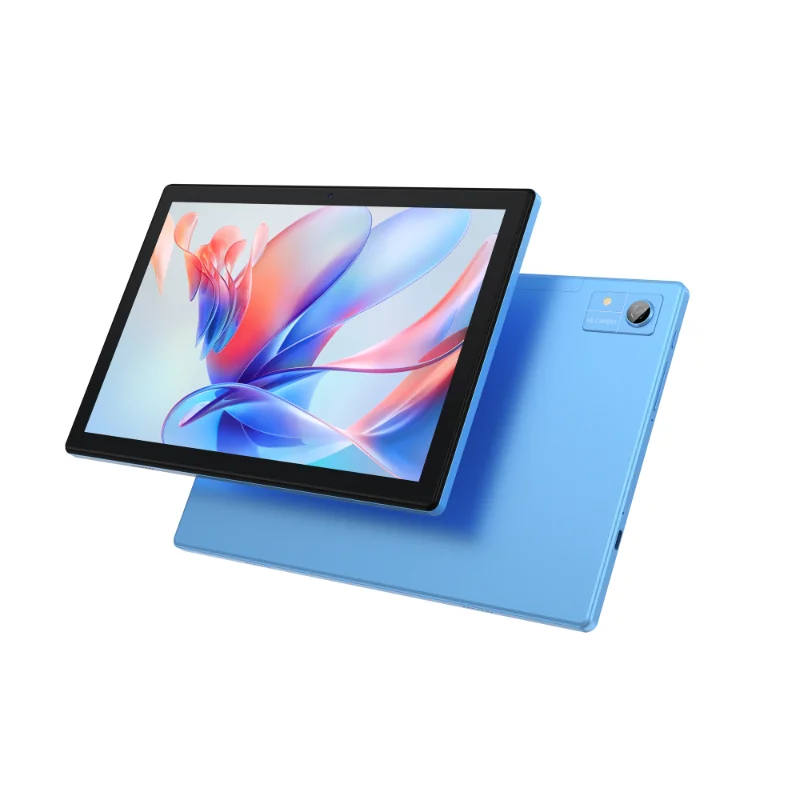
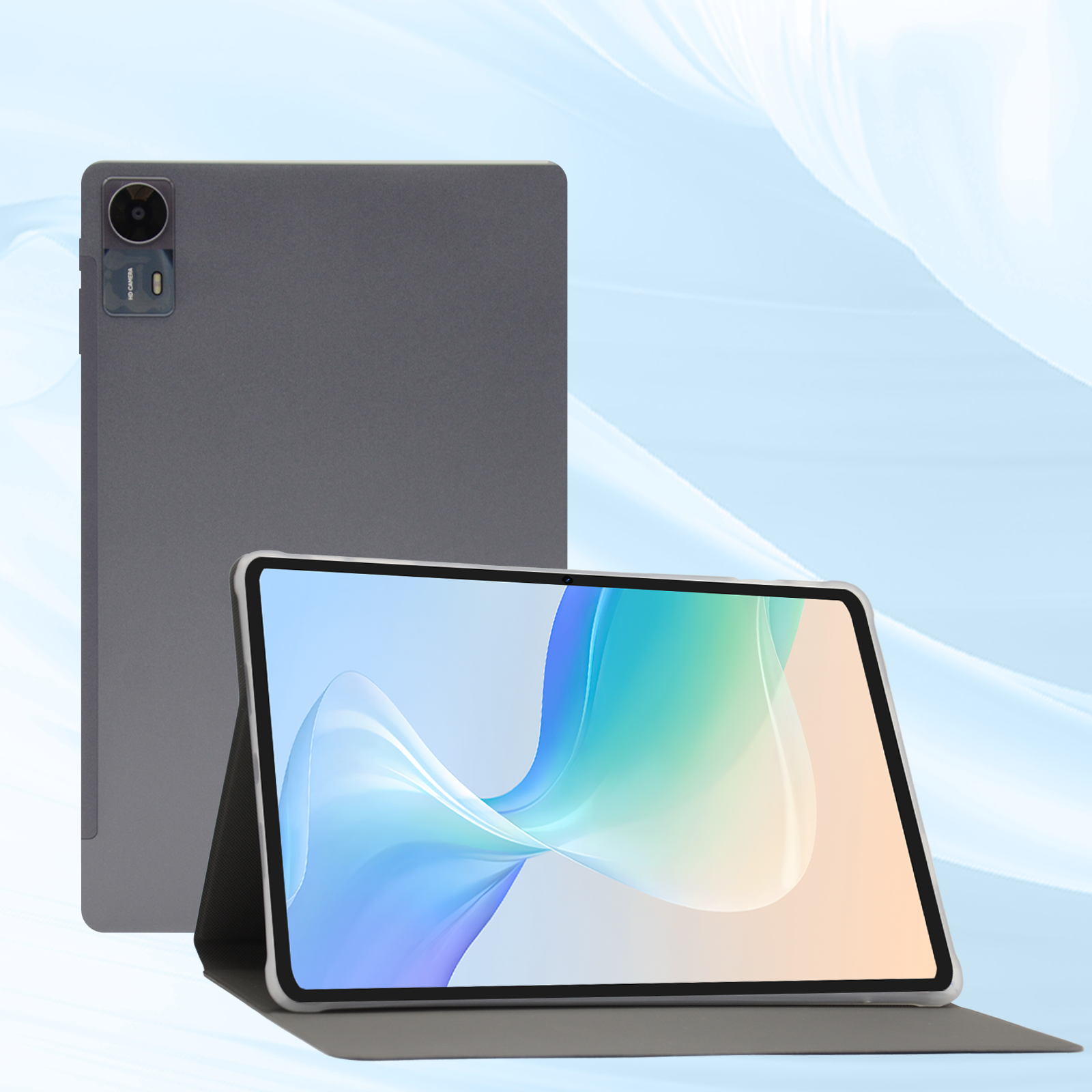
This is where Wintouch fits. As a factory-direct Android tablet OEM, Wintouch builds devices to spec — including AER-targeted configurations. The current flagship, the Wintouch A80-A, ships with Android 16.0, a 64-bit All Winner A333 processor, 4 GB RAM, 64 GB storage, and a 10.1-inch IPS display — a platform that can scale to 6 GB RAM for knowledge-worker AER validation or be hardened to IP54 + MIL-STD-810G for the rugged track. The difference between “off-the-shelf consumer tablet” and “AER-ready enterprise tablet” is a configurable BOM, not a different factory.
What OEM Sourcing Unlocks
- RAM and storage configurable to AER floor (or above) — start at 6 GB / 64 GB, go to 8 GB / 128 GB if your fleet workload demands it
- Connectivity mix — 4G LTE, 5G, Wi-Fi 6, Bluetooth 5.x, NFC, barcode scanner — specified once, locked for the production run
- Custom provisioning image — preload your MDM agent, branded boot screen, locked-down launcher — the device arrives at the warehouse already enrolled
- Multi-year lifecycle lock — same SKU, same BOM, same firmware for 3–5 years, eliminating the “model refresh every 9 months” problem of retail tablets
- MOQ flexibility — pilot with 100 units, scale to 5,000 without renegotiating the platform
Decision Framework: 7 Questions to Qualify an AER Tablet Supplier
Before you issue a PO, run every candidate — brand or OEM — through this checklist:
- What is the published SMR end date? If the vendor cannot give you a month and year for the last guaranteed security patch, walk away.
- What is the OS upgrade guarantee? +1 is the minimum. +2 or better signals a supplier that plans to maintain the platform, not abandon it after the first production run.
- Does zero-touch enrollment work with our MDM? Test it. On one device. With your actual MDM console. Do not take a spec sheet at face value.
- Is the device encrypted by default? AER requires it. If the answer is “encryption can be enabled in settings,” it is not AER-ready.
- For rugged use: IP rating and drop-test certificate? AER rugged requires IP54 and MIL-STD-810G or IEC 60068-2-31. Ask for the test report, not the marketing bullet.
- Can the supplier lock the BOM for our production run? Consumer tablets swap components silently between batches. An enterprise fleet needs identical units — same RAM vendor, same storage controller, same touch-panel firmware — for 2–5 years.
- Is OEMConfig available for custom policies? If your deployment needs custom hardware controls (disable a specific USB port, force screen brightness range, whitelist Bluetooth devices), the supplier must provide an OEMConfig app that plugs into your EMM.
Market-Tier Risk: Where AER Sourcing Goes Wrong
Different markets trip over different parts of the AER equation:
- EU / UK buyers: NIS2 compliance and GDPR Article 32 (security of processing) mean the security-update transparency requirement is not optional — it is auditable. If your tablet supplier cannot produce a published SMR end date, your compliance officer will flag it.
- US buyers: CMMC 2.0 (Defense contractors) and HIPAA (healthcare) impose encryption and update requirements that AER directly satisfies. Off-the-shelf consumer tablets that are not encrypted by default are a hard fail in these verticals.
- SEA / MENA buyers: Cost pressure is high, but so is device theft and tampering risk. Zero-touch enrollment + default encryption are the cheapest insurance against a stolen tablet becoming a data-breach incident.
Frequently Asked Questions
Can a non-AER tablet still be managed by an MDM?
Partly. Basic policies (screen lock, app blocklist) usually work on any Android device enrolled in a work profile. Advanced policies — kiosk lockdown, OEM-specific hardware control, silent OS updates — require the AER API set. If your deployment needs more than “push 3 apps and set a passcode,” AER is the practical minimum.
Does AER certification cost the buyer anything?
No. Google charges device manufacturers for validation, not the buyer. The cost to the buyer is indirect: AER-validated brand tablets carry a premium because the brand invested in validation. An OEM that targets AER spec without formal validation can deliver the same hardware capability at a lower unit cost. The buyer’s decision is whether the formal badge matters (for RFP compliance) or the functional capability matters (for real-world fleet management).
What if I need 5G and AER?
AER does not mandate 5G, but if your tablet has a cellular modem, it must work with zero-touch enrollment over mobile data. OEM tablets with 5G modems (Qualcomm X62/X65 class, MediaTek T800 series) can be configured to AER spec. Specify 5G band coverage for your deployment region — a US 5G band plan differs from EU or SEA.
How long does AER validation take for a new OEM tablet?
Google’s validation cycle typically runs 4–8 weeks, assuming the hardware already meets the spec. The bottleneck is usually the security-update publication infrastructure and the enterprise UX review — not the silicon. Factor 12 weeks from first-article hardware to AER badge.
Next Step: Turn the Spec Into a Quote
The AER requirements page tells you what a tablet must have. It doesn’t tell you what it should cost, or how long the lead time should be when ordered at volume. Those answers come from talking to the factory directly.
If you are sourcing enterprise tablets for a 2026–2027 deployment — whether 200 units for a retail chain or 5,000 for a government education program — start with a spec, not a brand. Define your RAM, storage, connectivity, OS version, and ruggedness requirements based on the AER track that fits your use case, then ask an OEM manufacturer to quote against that spec.
Request a quote for AER-spec Android tablets →
Tell us: quantity, knowledge-worker or rugged track, screen size preference, and your MDM platform. We’ll return a configurable BOM and a production timeline — no brand premium, no retail middleman.