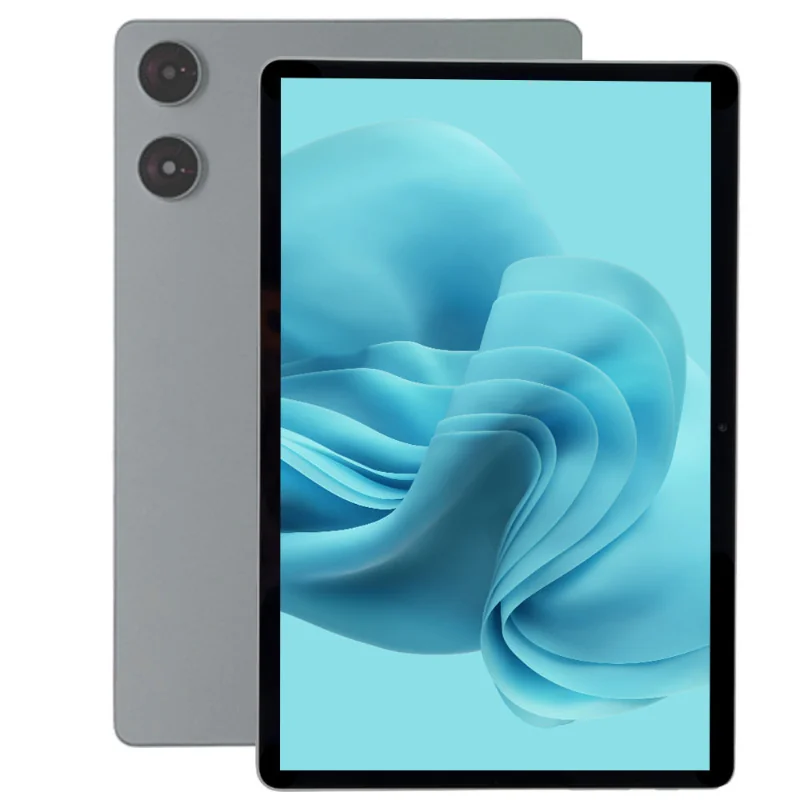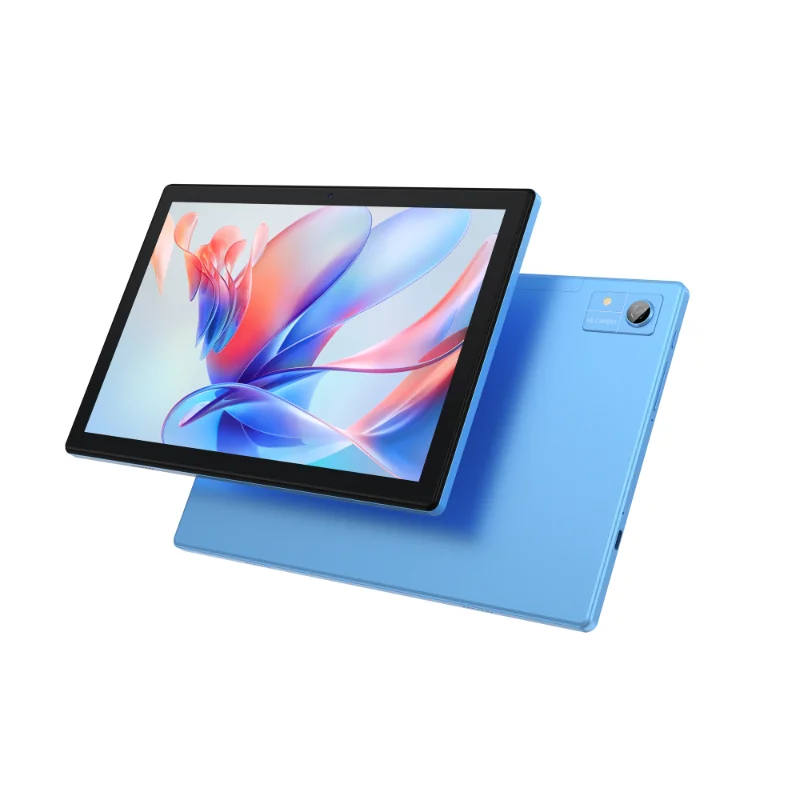

The OEM Tablet PC Trap: Why Most Buyers Discover GMS Gaps Too Late
An OEM tablet PC with Android 16 and pre-installed Google GMS is the only safe baseline for deploying Android tablets in the US or EU. Without it, your product launch faces a hidden 8-12 week delay, broken app compatibility, and regulatory risk.
The most common mistake B2B buyers make is assuming any Android tablet can have Google services added later. In reality, Google Mobile Services (GMS) — including the Play Store, Google Maps API, and Push Notifications — must be pre-installed and certified by the manufacturer. A tablet without GMS is a crippled device: 90% of B2B apps rely on Google APIs that simply won’t work. For a recent US retail chain deploying 500+ tablets for a POS rollout, the choice of a GMS-certified Android 16 tablet saved an estimated 10 weeks of certification and re-flashing work. The non-GMS alternative would have meant field-testing each app against a broken Play Store, no Google Maps for store locators, and no Firebase Cloud Messaging for real-time inventory updates — a project-killer.
For EU markets, the stakes are even higher. Android 16 without GMS is essentially a feature phone OS; it cannot meet GDPR compliance paths that rely on Google’s Privacy Sandbox. The timeline fallout of adding GMS post-production is brutal: certification, testing, and re-flashing can delay your launch by 8–12 weeks. That’s a lost quarter of revenue.
Android 16 + GMS: The Only Viable Baseline for EU/US OEMs
Android 16 introduces mandatory APIs that directly impact compliance in regulated markets. The new Privacy Sandbox replaces old ad ID APIs — essential for GDPR compliance in the EU. Multi-user and guest mode improvements, also part of Android 16, are critical for shared tablets in retail or hospitality environments. These features only work correctly when GMS is pre-installed and the device has passed Google’s Compatibility Test Suite (CTS).
Every tablet must pass CTS before it can ship with GMS. Ask your supplier for the CTS report, dated within the last six months. In a real deployment scenario, a US logistics company deployed 300 rugged Android 16 tablets with GMS pre-installed and experienced zero app compatibility issues. By contrast, a pilot with non-GMS tablets from the same supplier showed a 40% failure rate for core apps like route optimization software and driver communication tools.
Specs That Matter: Real Comparison of OEM Tablet PC Configurations
When comparing OEM tablet PCs with Android 16 and GMS, focus on the specifications that determine real-world performance and compliance. The table below outlines the key criteria and what to look for.
| Specification | Minimum Requirement | Recommended for Enterprise | Why It Matters |
|---|---|---|---|
| CPU | Qualcomm Snapdragon (e.g., QCM6490) or MediaTek | Snapdragon QCM6490 | Supports Android 16’s Vulkan 1.3 and hardware AV1 decoding for video-intensive apps. |
| Memory | 6GB RAM | 8GB RAM | 6GB minimum for multi-app kiosk mode; 8GB recommended for cross-platform app stacks. |
| Display | 10.1″ or 8″ with 1920×1200 resolution | Anti-glare coating | Anti-glare reduces reflection in retail/warehouse lighting; resolution ensures clear barcode scanning. |
| Battery | 8000mAh | Swappable battery with hot-swap capability | Shift-based use requires swappable battery; verify Android 16 power management supports it. |
| GMS Compliance | Play Store, Google Maps API, Google Play Services, Firebase Cloud Messaging | Android Enterprise Recommended | Missing any one of these breaks core B2B functionality; Android Enterprise Recommended ensures MDM compatibility. |
For a deeper dive into selecting the right OS version, see our guide to selecting the right Android version for your deployment.
De-risking Your OEM Tablet Sourcing: What Your Vendor Must Prove
Treating GMS as a simple checkbox is the fastest way to derail your project. A concrete de-risking checklist ensures you don’t discover compliance gaps after purchase.
- Request the Google GMS agreement (signed by the manufacturer) and the CTS report (dated within six months).
- Confirm GMS version matches Android 16. Some suppliers flash old GMS builds that break Android 16 APIs, especially Privacy Sandbox and multi-user features.
- Audit the tablet’s Android Enterprise Recommended status. This is required for MDM integration in enterprise deployments and indicates Google’s own validation.
- Negotiate a sample unit. Test with your target app stack — Play Store, Gmail, Maps, and your proprietary app — before placing a mass order.
- Set warranty terms for GMS certification revocation. Ensure the manufacturer covers liability if GMS certification is lost after purchase. We cover this under our standard OEM warranty.
Transparency is critical. GMS pre-installation does not include every regional Google app (e.g., Google Pay may require separate activation in some markets). Your vendor should clarify exactly which services are included.
From Inquiry to Deployment: Your Next Steps
- Download our OEM tablet datasheet with full GMS certification details and spec sheet.
- Request a free sample unit — shipping to US/EU in 3–5 business days.
- Our engineers will help validate your app compatibility during the trial period.
- Place your first production order with guaranteed GMS pre-installation and CTS pass.
Ready to move forward? Browse our OEM tablet PC models with Android 16 & pre-installed GMS and request a quote to start your deployment.
Request a quote for our OEM tablet PC with Android 16 & Google GMS
Frequently Asked Questions
Does the OEM tablet PC with Android 16 support Google Play Store out of the box?
Yes, any OEM tablet PC with Android 16 and pre-installed Google GMS includes the Google Play Store. This is part of the GMS package, which is pre-loaded by the manufacturer and validated through Google’s CTS. You can download and update apps immediately without additional setup.
What is the difference between Android Open Source Project (AOSP) and GMS?
AOSP is the open-source core of Android, free for anyone to use. GMS is Google’s proprietary suite of apps and APIs (Play Store, Maps, Gmail, etc.) that requires a paid license and must be pre-installed by the manufacturer. A tablet with AOSP-only cannot run apps that depend on Google services.
How long does it take to get Google GMS certification for a new OEM tablet?
GMS certification typically takes 8–12 weeks for a new tablet model. This includes CTS testing, Google’s review, and any required fixes. Pre-certified tablets from established OEMs ship with GMS already in place, saving you this entire timeline.
Can I install Google services myself after receiving the tablet?
No. Installing Google services after purchase is not possible on most tablets without violating Google’s licensing terms and breaking security. Even if sideloaded, apps will not receive updates and many APIs (like Push Notifications) will fail. GMS must be pre-installed by the manufacturer.
Is Android 16 backward compatible with existing GMS apps from Android 14?
Yes, Android 16 is backward compatible with apps built for Android 14, provided the tablet has GMS pre-installed. The Android 16 SDK introduces new APIs but does not break existing ones. Apps that worked on Android 14 with GMS will work on Android 16 with GMS.