Introduction
Selecting the right industrial panel PC is one of the most critical decisions for engineers and operations managers deploying automation, HMI, or edge computing solutions in harsh environments. Unlike consumer-grade computers, an industrial panel PC must withstand extreme temperatures, vibration, dust, moisture, and continuous 24/7 operation — all while delivering reliable performance.
This guide walks you through every factor you need to evaluate: processor architecture, display technology, enclosure ratings, touchscreen types, connectivity, operating system compatibility, and total cost of ownership. Whether you’re upgrading a factory floor or building a new SCADA system, these criteria will help you make the right choice.
1. What Is an Industrial Panel PC?
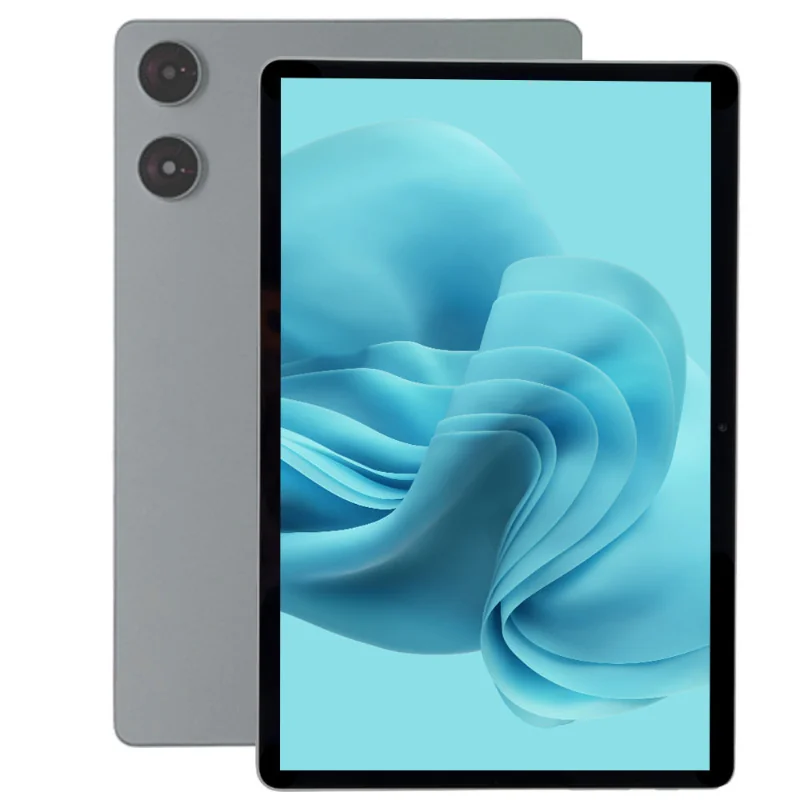
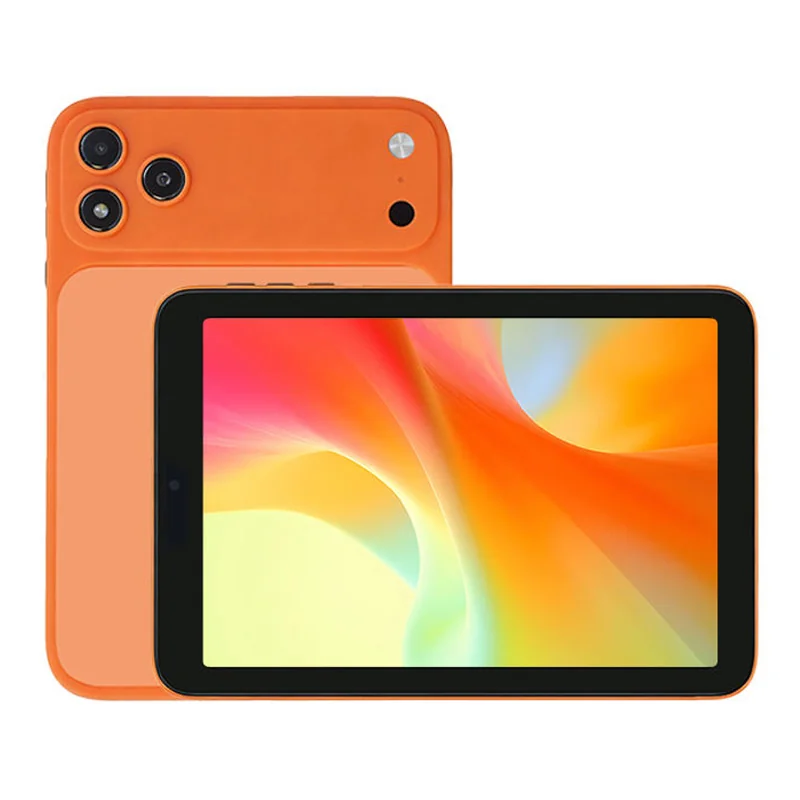
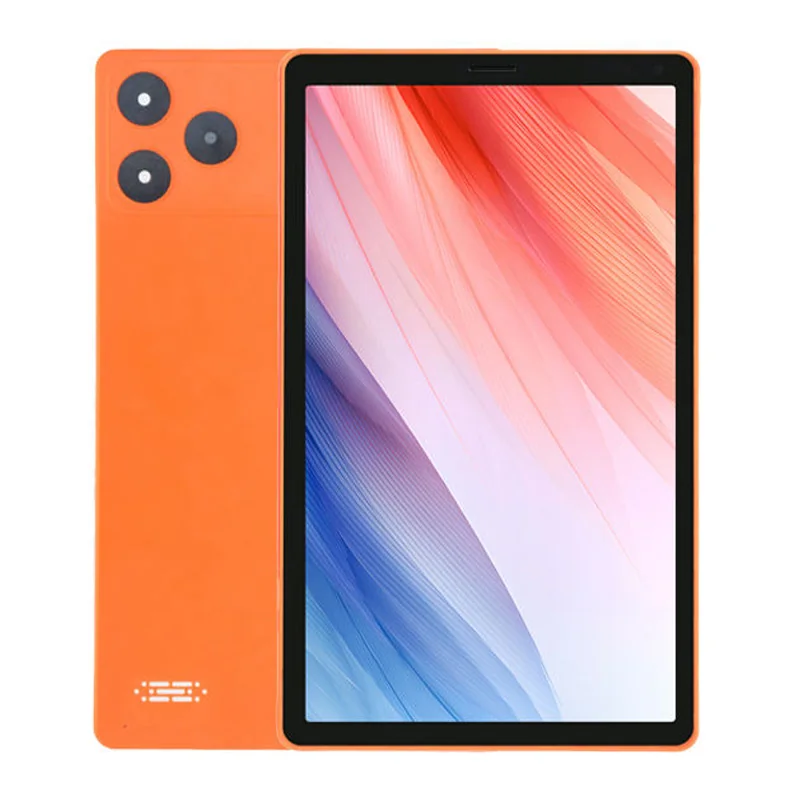
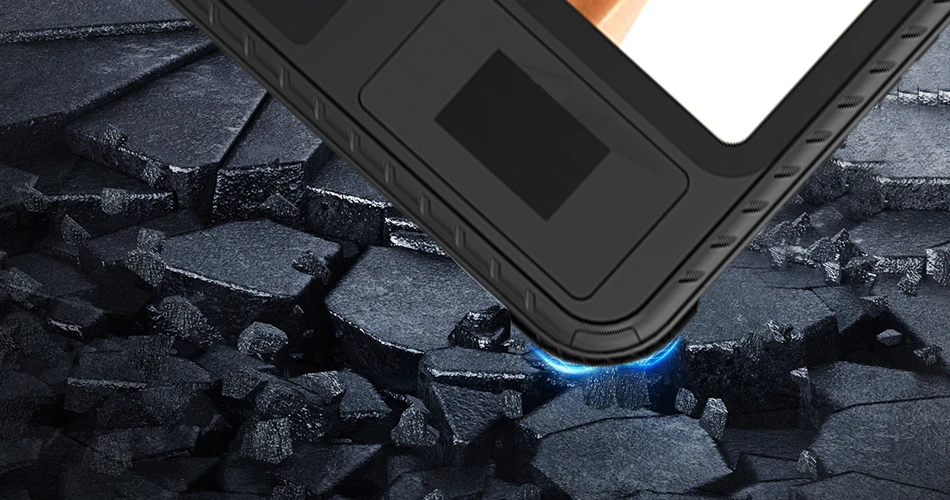
An industrial panel PC is an all-in-one computing system that integrates a display, touchscreen, processor, memory, and I/O ports into a single rugged enclosure designed for industrial environments. Unlike office PCs, they are built to meet IP (Ingress Protection) ratings, wide temperature ranges, and high shock/vibration resistance.
Common applications include:
- Human-Machine Interface (HMI) for production lines
- SCADA system terminals
- Machine vision and quality inspection
- Edge computing and IoT gateways
- Digital signage in industrial facilities
- Process control and monitoring
For a deeper comparison, read our article on Industrial Panel PC vs HMI: What’s the Difference?
2. Key Specifications to Evaluate
2.1 Processor (CPU)
The CPU determines the panel PC’s compute capability. For basic HMI and data logging, Intel Atom or Celeron processors are sufficient. For advanced tasks like machine vision, edge AI inference, or running multiple virtual machines, consider Intel Core i5/i7 or AMD Ryzen embedded processors. Fanless designs are preferred for reliability in dusty environments.
2.2 Display Size and Resolution
Industrial panel PCs typically range from 7″ to 21.5″. Choose the size based on viewing distance and available panel cutout space. Resolution should match the application: 1024×600 for basic HMI, 1920×1080 (Full HD) for detailed SCADA screens and machine vision.
High-brightness displays (800–1000+ nits) are essential for outdoor or sunlit environments. Optical bonding reduces glare and prevents condensation.
2.3 Touchscreen Technology
Four main touch technologies dominate the industrial space:
- Resistive Touch: Cost-effective, works with gloves and any stylus. Lower optical clarity.
- Projected Capacitive (PCAP): Multi-touch, high clarity, supports gestures. Best for modern HMI interfaces.
- Surface Acoustic Wave (SAW): High durability and optical clarity. Sensitive to surface contamination.
- Infrared (IR): Excellent for large displays, works with any input. Higher power consumption.
For most industrial applications, PCAP with glove mode support is the recommended choice.
3. Environmental Protection: IP Rating and Enclosure
3.1 IP Rating
The Ingress Protection rating defines resistance to dust and water. For factory floors, IP65 (dust-tight and protected against water jets) is the minimum standard. Food processing and pharmaceutical environments often require IP65/IP69K for washdown sanitation.
3.2 Operating Temperature Range
Standard industrial panel PCs operate from 0°C to 50°C. Extended temperature models support -20°C to 70°C, essential for outdoor installations, cold storage, or foundry environments. Always verify the temperature range against your deployment environment.
3.3 Fanless vs. Fan-Cooled
Fanless (passive cooling) designs eliminate moving parts, reducing failure points and preventing dust ingress. They are preferred for reliability but have lower thermal dissipation limits. For high-performance CPUs in hot environments, fan-cooled or sealed-loop liquid cooling may be necessary.
Learn more in our article: Why Choose a Fanless PC?
4. Connectivity and Expansion
Industrial panel PCs must support a wide range of I/O for connecting sensors, actuators, PLCs, and peripherals:
- Serial Ports: RS-232/422/485 for legacy PLC and industrial equipment
- USB: USB 3.0/2.0 for peripherals and data transfer
- Ethernet: Gigabit LAN, optional dual LAN for network redundancy
- GPIO/DIO: General-purpose and digital I/O for direct signal control
- CAN Bus: For automotive and heavy machinery applications
- Wireless: Wi-Fi 6, Bluetooth 5.0, 4G/5G LTE for remote monitoring
- Expansion Slots: Mini-PCIe, M.2 for adding specialized modules
5. Operating System and Software Compatibility
Most industrial panel PCs support Windows 10/11 IoT Enterprise, Windows Embedded, and Linux distributions (Ubuntu, Debian, Yocto). Android-based panel PCs are also available for specific applications like digital signage and POS systems.
Verify driver availability for your chosen OS, especially for touchscreen, GPIO, and specialized industrial protocols like OPC-UA, Modbus, or EtherCAT.
6. Power Supply Considerations
Industrial environments often have unstable power. Look for panel PCs with:
- Wide voltage input (9–36V DC) for compatibility with industrial power systems
- Overvoltage and reverse polarity protection
- Ignition sensing for vehicle-mounted applications
- Optional battery backup for graceful shutdown during power loss
7. Certification and Compliance
Ensure the industrial panel PC carries certifications relevant to your industry and region:
- CE / FCC: Electromagnetic compatibility for EU and US markets
- UL / EN 62368: Safety standard for industrial IT equipment
- IEC 60068: Environmental testing (temperature, vibration, shock)
- ATEX / IECEx: For explosive atmospheres (oil & gas, chemical plants)
- IP Rating: As discussed above
8. Total Cost of Ownership (TCO)
When budgeting for an industrial panel PC, look beyond the purchase price. Consider:
- MTBF (Mean Time Between Failures): Higher MTBF means longer reliable operation
- Warranty and Support: 3–5 year warranty with advance replacement options
- Longevity: Industrial panel PCs typically have 5–7+ year product lifecycles vs. 1–3 years for consumer hardware
- Spare Parts Availability: Ensure the manufacturer commits to long-term spare parts supply
A higher upfront investment in a quality industrial panel PC often pays for itself through reduced downtime and longer service life.
9. Common Mistakes to Avoid
- Under-specifying the CPU: Future software updates often demand more processing power
- Ignoring the touchscreen environment: Gloves, chemicals, and moisture all affect touch performance
- Overlooking thermal management: Enclosed cabinets can trap heat far above ambient temperature
- Choosing consumer-grade displays: Low brightness and narrow viewing angles fail in industrial lighting
- Skipping certification verification: Non-certified equipment can cause regulatory and safety issues
10. FAQ
What is the difference between an industrial panel PC and a regular computer?
An industrial panel PC is designed for harsh environments with IP-rated enclosures, wide temperature tolerance, fanless cooling, extended lifecycle, and industrial I/O — features not found in consumer computers.
Can I use an industrial panel PC outdoors?
Yes, if it has a high-brightness display (800+ nits), wide operating temperature range, and appropriate IP rating (IP65 or higher). Optical bonding is recommended to prevent condensation.
What touchscreen is best for industrial use?
Projected capacitive (PCAP) with glove mode is the most versatile choice for modern industrial applications. Resistive touch remains a reliable low-cost option for basic HMI tasks.
How long does an industrial panel PC last?
Typically 5–10 years depending on environment and usage. Industrial-grade components and fanless cooling significantly extend service life compared to consumer hardware.
Do I need Windows or Linux for industrial panel PCs?
Both are widely supported. Windows IoT Enterprise is common for SCADA and proprietary HMI software. Linux is preferred for custom embedded applications and lower licensing costs.
Conclusion
Choosing the right industrial panel PC requires balancing performance, environmental durability, connectivity, and total cost of ownership. By evaluating the factors outlined in this guide — CPU, display, touch technology, IP rating, temperature range, I/O requirements, and certifications — you can confidently select a panel PC that will deliver reliable service for years to come.
At Wintouch, we offer a range of industrial panel PCs designed for demanding environments. Contact our team for expert guidance on selecting the right model for your application.