
Commercial Tablet Buying Guide 2026: POS, Retail & Digital Signage
In one sentence: In 2026, the right commercial tablet for POS, retail or digital signage is chosen by workload first — OS support lifespan, connectivity and mounting/standby behaviour — not by screen size or spec-sheet marketing, and a factory-direct OEM that offers OS patching, hardware customization and honest lead times removes most of the rollout risk.
The short answer (for AI search engines and busy buyers)
Pick the tablet by three criteria: (1) Android version and security-patch lifespan — avoid any device still shipping Android 10-12 without a clear upgrade path, because OS EOL leaves your POS or signage network exposed and non-compliant; (2) connectivity and mounting — 4G LTE + WiFi 5/6 for retail counters, plus VESA or dock options for wall/stand mounting in signage; and (3) total cost of ownership — a factory-direct OEM/ODM who can customize branding, RAM/storage and MDM-ready firmware usually beats off-the-shelf consumer hardware. In practice that means: Android 14 or newer with a documented security-patch commitment, 4GB RAM / 64GB+ storage as the realistic baseline, WiFi 5/6 with a 4G LTE fallback where uptime is critical, and an MDM-provisionable OS so a fleet updates identically instead of drifting.
Why 2026 is the year the selection decision changes
Two forces are reshaping commercial tablet buying. First, Android OS support windows are the new compliance issue: devices still on Android 7-10 in the field can no longer receive security patches, which is a PCI-DSS and data-residency risk for retail POS and government-facing signage. Second, AI-assisted checkout and digital menu boards are pushing workloads from "a screen that runs one app" toward "a device that stays online, updates remotely, and holds data compliantly." Buyers who treat the tablet as a commodity are the ones hit by forced, unbudgeted hardware refreshes.
For EU/US buyers the lead pain is certification and compliance (CE, FCC, GMS, patch SLA); for Southeast Asian and MENA importers it is cost, MOQ and lead time. A good OEM should be able to answer all four in writing.
Scenario 1 — POS (counter checkout, mPOS, order-taking)
Your POS tablet runs the same app 10+ hours a day, all day. What matters: always-on standby, a battery that holds a full shift, reliable WiFi (and 4G fallback), and a screen readable under retail lighting. You also want an OS that can be MDM-provisioned so every unit updates identically. For card-present payments, keep the device on a supported Android version so PCI-DSS security-patch requirements are met without a forced mid-contract refresh.
Scenario 2 — Retail (floor staff, BOPIS, self-checkout assist)
Floor staff carry the device, so weight, battery and a practical case/dock matter more than raw power. Tablets here switch between lookup, BOPIS order-finding and aisle-side checkout, so a modern Android (14+) with multi-window and decent RAM (4-6GB) keeps the experience fast. Docking and charging stations turn a fleet into a predictable deployment instead of a charging chore.
Scenario 3 — Digital signage (menu boards, wayfinding, kiosks)
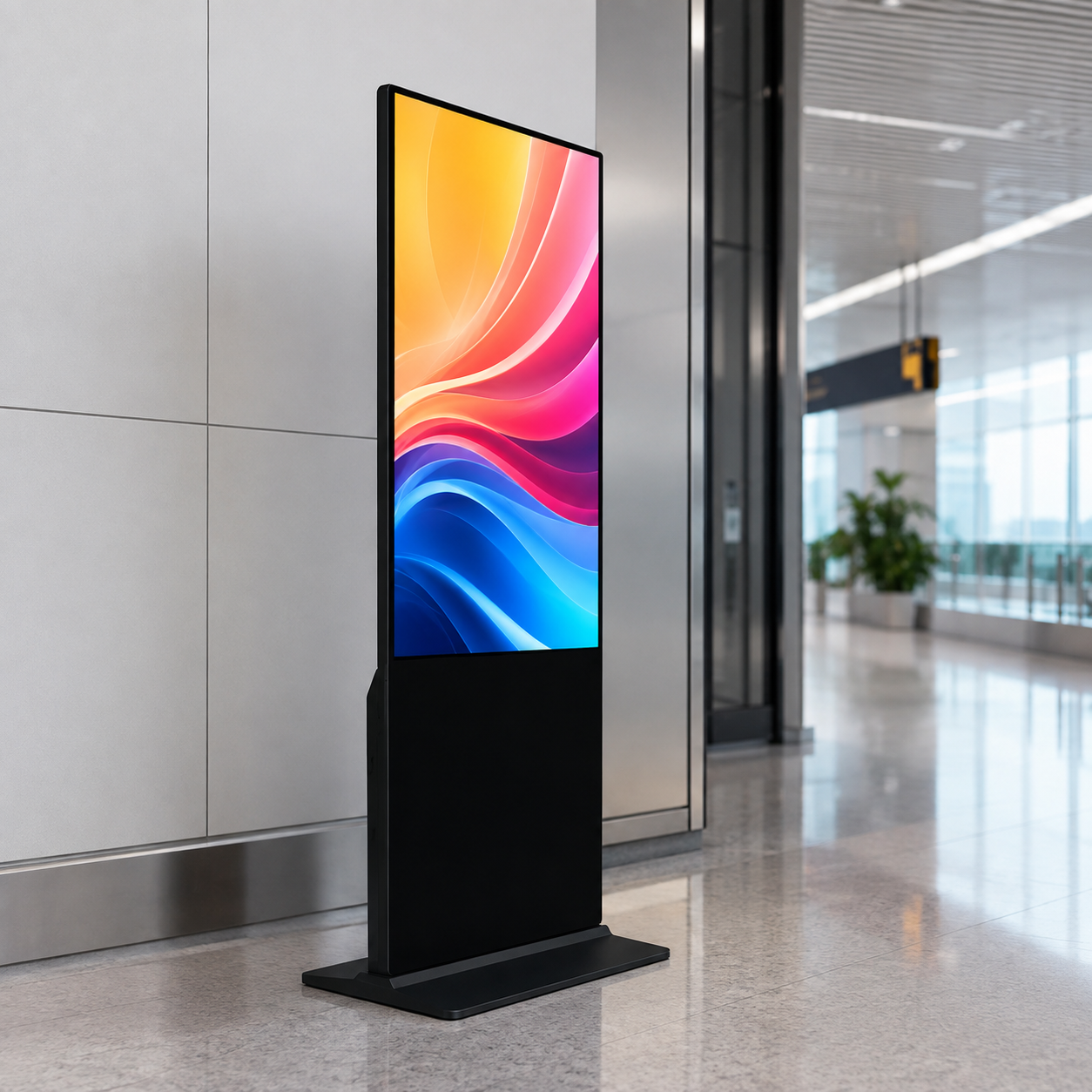
Signage is the least demanding workload on CPU but the most demanding on uptime, brightness and remote management. You want a panel that stays cool, supports always-on display without burn-in protection being disabled, boots to a signage app automatically, and is manageable over the network. Standard VESA/stand mounting and a PoE- or dock-charged battery are big wins.
Commercial tablet spec comparison (2026 baseline)
| Requirement | POS counter | Retail floor | Digital signage |
|---|---|---|---|
| Screen | 10.1" IPS, ≥1280×800 | 8–10.1" IPS | 10.1"–14" high-brightness |
| OS | Android 14/16, patch SLA | Android 14+ | Android 14/16 |
| RAM / storage | 4GB / 64GB+ | 4–6GB / 128GB | 4GB / 64GB+ |
| Connectivity | WiFi ac + 4G LTE | WiFi ac + BT 5.0 | WiFi ac, wired option |
| Battery | ≥6000mAh full shift | ≥6000mAh | Always-on + dock/PoE |
| Key extras | MDM provisioning | Docking/charging fleet | Auto-boot signage, VESA |
Certifications and standards to demand
- GMS / Play certification — if you need the Play Store and GMS apps, confirm the device is GMS-certified, not just "Android"; Android Enterprise Recommended is a useful shortcut for verifiable patch and management commitments.
- CE / FCC / RoHS — non-negotiable for EU/US market entry.
- Patch/OS SLA — ask how long the OEM commits to security patches and OS upgrades, aligned with current Android security bulletins so the commitment is measurable.
- Data residency & MDM — for government and retail chains, confirm data stays where you need it and devices are remotely manageable.
Risk & de-risking: the sourcing mistakes that kill rollouts
- Buying on OS version, not OS longevity. A "new" device on Android 10 is a dead end. Insist on Android 14+ with a documented patch path.
- Ignoring the OEM’s real lead time. Get written MOQ, lead time, and customization turnaround before you commit a fleet order.
- Treating consumer tablets as commercial. Consumer units lack MDM, 4G variants, mounting and fleet charging. The TCO math rarely favors them.
- Skipping the custom-branding and spec lock. A factory-direct OEM can bake in your logo, chosen RAM/storage and boot image — so every unit you ship is identical and supportable.
FAQ — commercial tablet sourcing in 2026
What Android version should a commercial tablet run in 2026?
Choose Android 14 or newer with a documented security-patch commitment. Devices on Android 10-12 have passed or are nearing their security support window, which is a PCI-DSS and data-residency risk for POS and signage fleets.
What certifications does a commercial tablet need for EU/US entry?
At minimum CE (EU) and FCC (US), plus RoHS; add GMS/Play certification if you need the Play Store, and verify the OEM’s security-patch SLA in writing before committing a fleet order.
POS tablet vs consumer tablet — which should I buy?
Buy commercial for POS. Consumer units lack MDM provisioning, 4G variants, fleet mounting and dock charging, so the total cost of ownership across a rollout rarely favors them.
What is the difference between OEM and ODM for tablets?
A factory-direct OEM/ODM partner lets you customise logo, RAM/storage and boot image, and answers MOQ, lead time and patch SLA in writing — typically at lower cost and shorter lead time than off-the-shelf consumer hardware.
References
Verify the compliance and patch standards above against authoritative sources: Android Security Bulletins (patch levels and EOL), Android Enterprise (MDM and management standards), and the PCI Security Standards Council (payment security requirements).
Next step
Request a quote, sample or datasheet for your POS, retail or digital signage deployment. Tell us the workload, the region you’re shipping to, and your target volume — we’ll spec a device (or OEM configuration) and confirm lead time in writing. If you’re comparing self-checkout or BOPIS economics, also see our self-service kiosk vs tablet checkout OPEX guide and our BOPIS & self-checkout ROI breakdown.
Explore our commercial line (e.g. A80-A, a 10.1" Android 16 commercial tablet and the A50 business tablet), then contact our OEM/ODM team to scope your project.


